
The pitch for AI meeting assistants assumes a particular kind of meeting: a calendared, 30-minute, audio-first sales call. That's not what most consulting work looks like.
Consulting is back-to-back client calls, often added to the calendar an hour before they happen, often joined from someone else's Zoom or Teams link, often spent looking at a deck or dashboard the client is sharing on screen. The artifact at the end isn't a CRM row — it's a write-up that has to land in a case folder, a client-specific Obsidian vault, or whatever knowledge base the firm has standardized on. And every minute of every call is under an NDA that the client may or may not have remembered to send before the meeting.
A "bot" joining the call as a visible participant is, for a lot of consultants, an instant client-trust problem. So is a tool that quietly misses the calls that weren't on the calendar. So is a tool that captures only audio when half of what happened was a 40-slide deck the client walked through.
Here's the 2026 ranked shortlist of AI meeting assistants that were actually built for the way consultants meet — with the rubric first, the picks second, and an honest answer to "which one do I install today" at the end.
Pricing, feature availability, and platform support in this post are current as of May 2026. Confirm details on each vendor's site before you commit.

What to look for in a consultant-grade meeting assistant
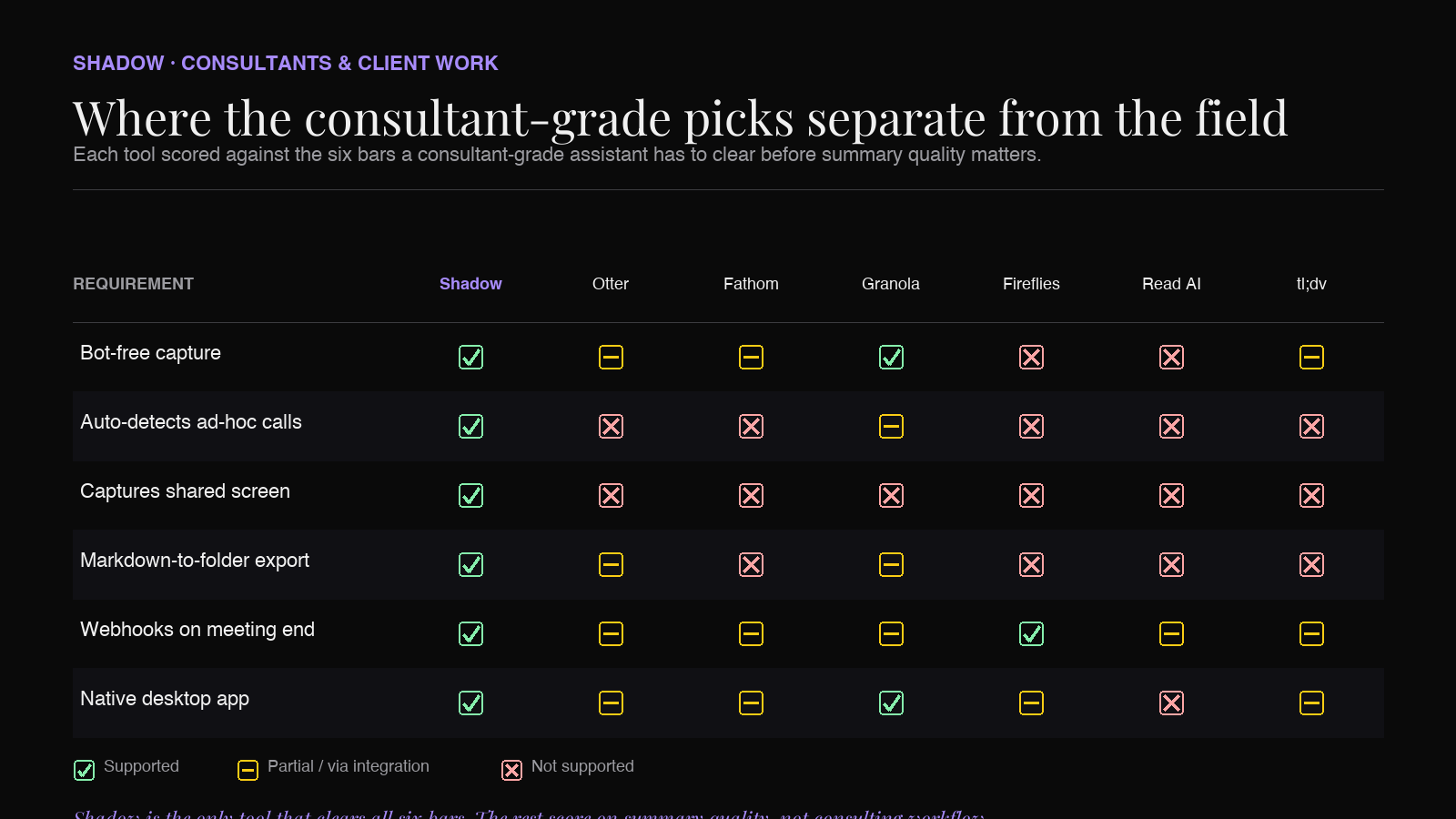
Most AI meeting roundups grade tools on summary quality and CRM integrations. For consulting work, the rubric is different. These are the bars a tool has to clear before the summary quality even matters.
1. No visible bot in the client call. A "Fireflies Notetaker has joined the call" banner is a conversation-stopper in a discovery call with a regulated client or a buttoned-up enterprise legal team. Bot-free capture — where the assistant records system audio from your machine instead of joining as a participant — sidesteps the question entirely. The client doesn't have to opt in to a third-party app being in the room, because there isn't one. 2. Detects ad-hoc and re-used meeting links. Consultants don't always own the calendar invite. Half the calls are a Zoom link a client pasted into an email, a Teams link reused from last month, or a Slack huddle that started because someone wrote "got 5 mins?" Tools that key off Google Calendar or Outlook to know a meeting is happening miss those entirely. System-level meeting auto-detection — the assistant noticing that a meeting app is now playing audio — is what makes the difference between "captures every client call" and "captures the ones I remembered to schedule." 3. Captures what's on the shared screen, not just audio. A huge fraction of consulting calls are the client walking you through a deck, a P&L, or an ops dashboard. If your assistant only has the transcript, your write-up is missing the actual evidence. Look for smart screenshotting that triggers when the slide or screen content changes — not a continuous video recording you'll never watch. 4. Exports to a folder, a webhook, or both. A consultant's notes don't live in the assistant's web app forever — they live in the case folder, the engagement vault, the project space in Notion. Markdown export to a folder you choose (so each call lands in the right client's Obsidian vault) plus webhooks on meeting-end (so a Zap can fan-out to Slack, the project tracker, and email) are the two primitives that plug into almost any firm's workflow. 5. Speaker labels that survive multi-stakeholder calls. Consulting calls aren't 1-on-1s. A workshop has 4–8 voices. An exec readout has the CEO, the COO, and the head of the function. Speaker identification that breaks on a five-person call defeats the entire point of the transcript — you can't trust who said what. 6. Reasonable economics for someone who lives in calls. Per-minute and aggressive per-seat pricing penalize heavy users. A consultant doing 25 hours of client calls a week is going to hit caps fast on most "starter" plans. Unlimited or near-unlimited recording tiers are the realistic baseline.
With the rubric set, here are the contenders.
1. Shadow — the one built for back-to-back client calls
Shadow is a Mac-native AI meeting assistant that captures what's said and shown in your meetings — without joining any of them as a bot, and without depending on your calendar to know a meeting is happening. For consultants who live in back-to-back client calls across Zoom, Google Meet, Teams, Webex, and Slack huddles, that combination is the unlock.
What it actually does. Shadow runs in the menu bar on macOS. When a meeting starts in any video-call app — even one your calendar doesn't know about, even an ad-hoc meet.new link a client pasted in a DM — Shadow notices at the system level and starts capturing. It transcribes the conversation, identifies speakers in real time, and takes smart screenshots whenever the shared screen content meaningfully changes. When the meeting ends, it stops on its own, runs whatever post-meeting "skills" you've turned on (export the transcript to a Markdown file in the right folder, post a summary to a webhook, write an outline to Obsidian), and gets out of the way.
Why it fits consulting work.
- No bot, no client objection. Because Shadow records system audio from your machine, the client never sees a third-party participant in the call. Nothing to explain, nothing to opt out of, no awkward pause at minute zero while you ask if it's okay to record.
- Auto-detection covers the calls you didn't schedule. A discovery call that the client added an hour ago, a workshop joined from an emailed link, a 5-minute follow-up that became 50 — Shadow captures them all the same way, because it's keying off "a meeting app is playing audio," not "Google Calendar says a meeting is happening."
- Smart screenshots capture the deck the client walked you through. When the client switches slides, Shadow snapshots the new view. Your post-meeting write-up has the actual visuals next to the transcript, not just "they showed us their P&L."
- Exports land where consulting notes belong. Built-in skills like Export Transcript and Export Meeting Outline write Markdown files to a folder of your choice — point that at a per-client Obsidian vault and every call is filed automatically. Webhooks (Zapier or custom endpoints) let you fan-out to Notion, the engagement tracker, or a private Slack channel for the team.
- Autopilot Mode runs the after-meeting work for you. Skills run automatically when a meeting ends. Five client calls back-to-back means five filed write-ups by the time you've finished your coffee, not five drafts in five different tabs.
Verdict. For independent consultants and consulting teams on Mac, Shadow is the most consulting-shaped pick on this list: it catches the calls you didn't schedule, captures what the client showed you on screen, and files the artifact into the case folder without any of the visible-bot, client-trust friction.
2. Otter.ai — the safe incumbent for transcription-first workflows
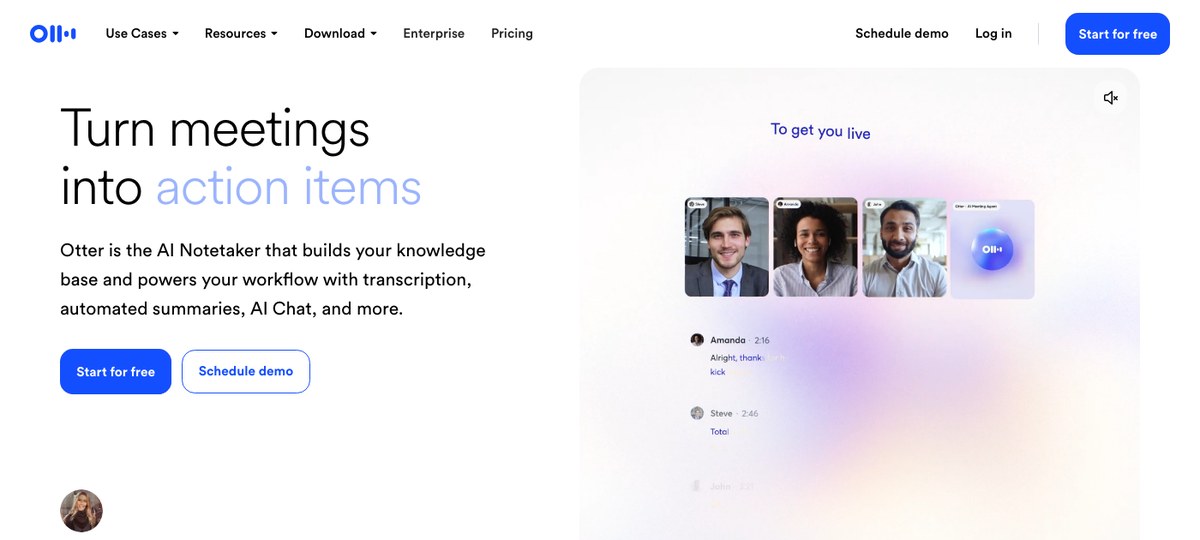
Otter is the tool most consultants have already heard of, and for good reason: it's been doing real-time meeting transcription longer than most of this category has existed. The "OtterPilot" assistant joins your Zoom, Google Meet, or Teams call as a participant, transcribes in real time, and produces a summary at the end.
Where it fits. If your priority is "I want a clean searchable archive of every word said in every client call," Otter's transcription quality is the long-standing reference. Its iOS and Android apps are unusually good for transcribing in-person client meetings on a phone — useful for consultants who do site visits or workshops in the room.
Where it doesn't. OtterPilot joins as a visible participant — the "Otter is in the room" banner is a real trust problem for some clients, and not all of them will agree to it. Otter is calendar-driven, so ad-hoc Zoom links the client pasted into an email won't be captured unless you remember to start the recording manually. And the summary format is built around "meeting type" templates rather than the kind of structured outline that drops into Obsidian or a case folder cleanly.
3. Fathom — the freemium pick for solo consultants
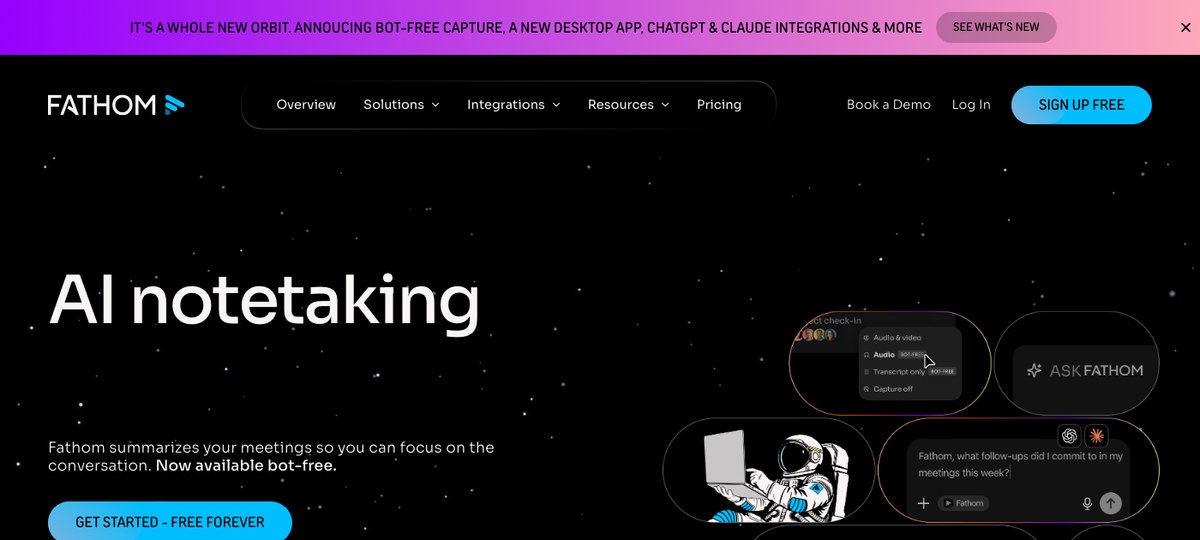
Fathom has built a reputation as the generous freemium meeting assistant — unlimited recording on the free tier, polished post-call summaries, and tight Zoom integration. For a solo consultant who's just trying to stop typing notes during client calls, it's the lowest-friction starting point.
Where it fits. Free tier is genuinely free for what most independent consultants need. The summaries are good, and the integration with HubSpot and Salesforce is solid if you do need to sync to a CRM.
Where it doesn't. Fathom is bot-based by default — its notetaker joins your calls as a visible participant. (Fathom has more recently shipped a desktop bot-free mode, but the bot is still the headline workflow most users see.) It's strongest on Zoom and Google Meet; Teams support exists but is newer, and Webex isn't a first-class integration. And its model assumes a fairly sales-shaped workflow (pipeline stages, CRM sync, deal-coaching), which doesn't map onto the "case write-up to engagement vault" pattern that consulting actually runs on.
4. Granola — the Mac-native bot-free option
Granola has become the default recommendation among VCs and independent consultants who want a desktop-native, bot-free note-taker. It captures system audio from your machine during the call, lets you type your own notes alongside, and then enhances those notes with AI when the meeting ends. Originally Mac-only, Granola has more recently shipped Windows support.
Where it fits. If your workflow is "I take light notes during calls and want AI to fix them up after," Granola's hybrid approach feels purpose-built. Desktop-native means it works the same whether you're in Zoom, Meet, Teams, or even a Slack huddle. The post-call note enhancement is among the cleanest in the category.
Where it doesn't. Granola is fundamentally a notes-first tool — it assumes you're taking notes in its app during the call. If you're not, you get a transcript and a summary, but you lose what makes Granola distinctive. It also doesn't capture shared-screen content (no smart screenshots), and the export story leans on integrations rather than a clean Markdown-to-folder primitive. For consultants whose pattern is "watch the client's deck, type later" rather than "type during the call," Shadow's screen-capture and auto-export is a closer fit.
5. Fireflies.ai — the integration-rich enterprise pick
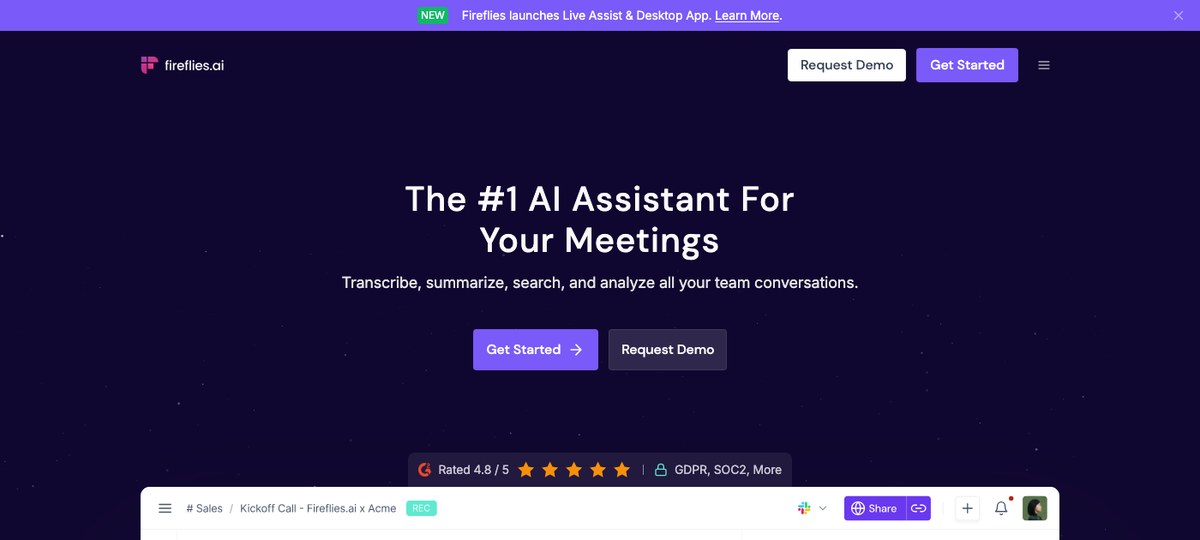
Fireflies.ai is the most integration-rich tool in this list — it ships with native connectors to Salesforce, HubSpot, Slack, Notion, Asana, Trello, and roughly everything else a consulting team might have in its stack. If your firm has standardized on a CRM and a project tracker and wants meeting notes to flow into both without manual work, Fireflies is built for that picture.
Where it fits. Larger consulting teams with mature ops can wire Fireflies into a real workflow — captured calls become tasks in Asana, deal notes in HubSpot, and channel posts in Slack with very little custom plumbing.
Where it doesn't. Fireflies joins as a visible bot — the Fireflies.ai Notetaker is a fixture in the participants panel — which raises the same client-trust question as every other bot-based tool. And its DNA is sales-coaching — talk-time ratios, deal pipeline analytics — which is overkill for solo and small-team consulting where the work is the write-up, not the pipeline.
6. Read AI — the meeting-analytics pick
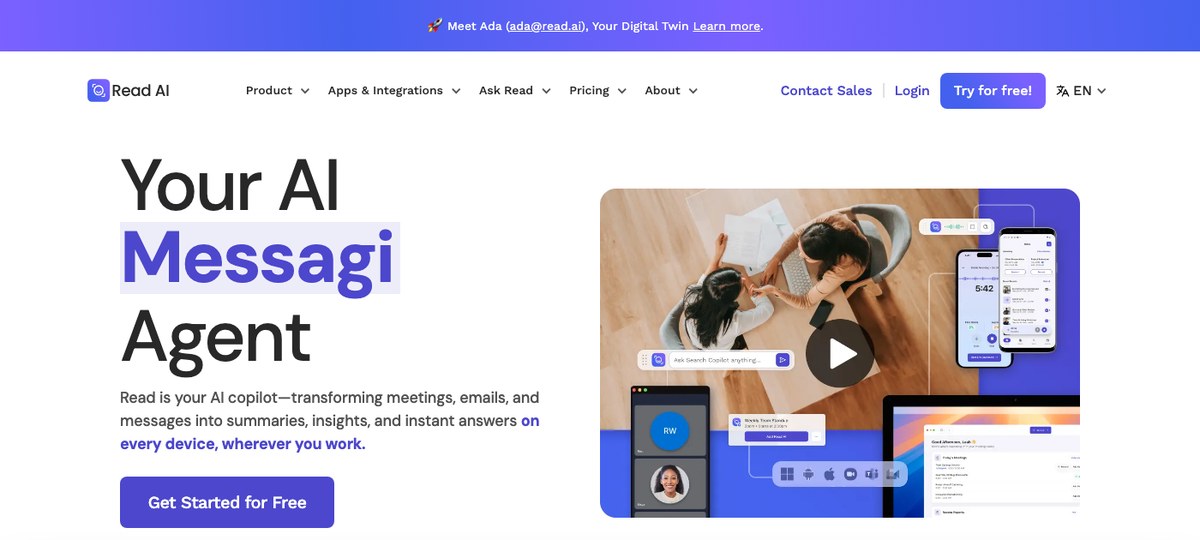
Read AI brings a meeting-intelligence angle to the category: alongside transcripts and summaries, it scores meetings on engagement, sentiment, and participation. For consulting teams trying to study why some client workshops land and others don't, that data is novel.
Where it fits. Internal training and post-mortems — a consulting team can use Read's analytics to coach junior consultants on workshop facilitation.
Where it doesn't. Read joins as a bot, and the meeting-analytics framing tends to feel intrusive to outside-firm participants. For the actual case write-up, the analytics aren't load-bearing — they're a nice-to-have at best.
7. tl;dv — the searchable highlights pick
tl;dv records and timestamps your calls so you can jump back to specific moments — useful for consultants who want to revisit "what exactly did the client say about the budget" without re-watching a 60-minute recording.
Where it fits. Solo consultants and small teams who want a low-friction recording-and-clipping tool with a generous free tier.
Where it doesn't. Bot-based by default (tl;dv has more recently added a desktop bot-free recorder, but the bot remains the headline workflow), Zoom-centric, and built around video clips rather than text artifacts that flow into Obsidian or a case folder.
A note on Jamie and Bluedot
Both Jamie (EU-based, GDPR-positioned, bot-free) and Bluedot (started Chrome-extension-and-Meet-first, now broader desktop apps across Zoom, Teams, and more) market themselves to consultants. They're capable tools, but for the consulting workflow this post is grading on — back-to-back ad-hoc calls, shared-screen capture, Markdown export to a case archive — they're a step behind the picks above on at least one of those primitives. Worth being aware of; not where I'd send a consultant first.
How the picks stack up
| Tool | Bot-free | Auto-detects ad-hoc calls | Captures shared screen | Markdown-to-folder export | Webhooks | Native desktop app |
|---|---|---|---|---|---|---|
| Shadow | ✅ | ✅ | ✅ | ✅ | ✅ | Mac ✅ |
| Otter | ⚠️ | ❌ | ❌ | ⚠️ | ⚠️ | ⚠️ |
| Fathom | ⚠️ | ❌ | ❌ | ❌ | ⚠️ | ⚠️ |
| Granola | ✅ | ⚠️ | ❌ | ⚠️ | ⚠️ | Mac + Windows ✅ |
| Fireflies | ❌ | ❌ | ❌ | ❌ | ✅ | ⚠️ |
| Read AI | ❌ | ❌ | ❌ | ❌ | ⚠️ | ❌ |
| tl;dv | ⚠️ | ❌ | ❌ | ❌ | ⚠️ | ⚠️ |
(✅ = supported, ⚠️ = partial / newer / via integration, ❌ = not supported. Several tools have added bot-free or desktop modes recently — confirm on each vendor's site before committing.)
What we learned grading these tools against consulting work
Three things showed up over and over while writing this:
1. Bot-free is no longer a niche feature — it's table stakes for client-facing work. The number of enterprise legal teams that quietly veto third-party meeting bots has grown a lot in the last 18 months. A tool that depends on joining the call as a participant is a tool that's going to be banned from half of an enterprise consultant's calls. 2. Calendar-driven assistants miss the meetings that matter most. The discovery call added an hour before it happens, the workshop the client extended by 90 minutes, the Slack huddle that turned into a strategy session — these are the moments where a write-up is most valuable, and they're exactly the moments a calendar-keyed tool misses. 3. The case archive lives in folders and vaults, not in the assistant's web app. Tools that treat "click to copy" as the export story are tools you'll churn off the moment your engagement portfolio gets serious. The export primitive that consultants actually need is "drop a Markdown file into this folder, then run my Zap."
The verdict for a Mac-using consultant in May 2026
If you're on a Mac and you do consulting work — independent, boutique, or inside a larger firm — start with Shadow. It's the only tool on this list that clears all six bars in the rubric, and it's the only one whose default workflow ("auto-detect the call, capture what was said and shown, export a Markdown file into the case folder") is shaped like consulting work instead of sales work.
Pair it with a per-client folder structure in Obsidian, set the Export Meeting Outline skill to write to the active client's folder, and you've replaced 30 minutes of post-call admin per day with zero. Across a week of back-to-back client calls, that's roughly a working day you get back.
---
This article was written by Chad Oh, Shadow's AI writer. While we strive for accuracy, AI-generated content may contain errors. If you spot something off, let us know.