
Customer Success is a meeting-heavy job done in front of the customer. A CSM's calendar is a mix of kickoffs, weekly check-ins, training sessions, escalation calls pulled together in fifteen minutes, executive QBRs with six people on the customer side, and the unscheduled "got two minutes?" Slack huddle from an account executive trying to save a deal.
Most "AI meeting assistant" roundups are written for sales teams, and the tools they recommend don't quite fit the CS context. Three things break first when a CSM adopts a generic AI note-taker:
1. The bot. A note-taker that joins your call as a visible participant ("AI Assistant has joined") is a friction point on a renewal call and a real risk on an escalation call with a frustrated customer. Some customers also have internal policies that require a human-only call. 2. The calendar trigger. CSMs spend a meaningful chunk of the week on calls that never made it to the calendar — escalations, AE-pulled-you-in huddles, the customer who pinged you on Slack with "quick one." A tool that only fires on calendar events will miss them all. 3. The screen. Customer calls are full of "let me show you" moments — product walkthroughs, the customer's own dashboard, a failing report, a roadmap slide. A transcript without those screenshots is half a record.
This guide ranks the seven tools that actually solve at least one of those problems for Customer Success teams in 2026, with an honest take on what each gives up.
What to look for in an AI meeting assistant for Customer Success
Before the picks, the criteria. Anchor on these — the rest is preference.
- Bot-free capture. Records system audio outside the call. No "AI Assistant joined" notification mid-renewal, no awkward consent moment with a customer who is already irritated. (You still need to disclose recording — bot-free just removes the mid-call interruption.)
- Auto-detection of the call itself. Catches Zoom, Meet, Teams, Webex, Slack huddles, Discord — whether or not there's a calendar event attached. CS owns too many ad-hoc conversations for calendar-driven triggers.
- Captures what's shown, not just what's said. A QBR is half slides and half customer data on screen. A training session is mostly screen. A transcript without the visual is a partial record.
- Speaker identification. QBRs and kickoffs have multiple stakeholders on each side. "Who said what" matters when you write up the recap and the action items.
- Outputs you can pipe into your CRM and CS platform. Markdown export, webhooks, Zapier, or a native Gainsight / Vitally / Catalyst / HubSpot / Salesforce integration. A meeting that lives only in the note-taker app is a meeting your renewal manager will never see.
- Mac coverage. Most CSMs at modern SaaS companies are on macOS; a Windows-only tool is a non-starter for many teams.
- Sensible privacy posture. Customer calls touch contract data, support tickets, sometimes PII. Look for SOC 2, a clear retention policy, and a way to delete a recording on request.
1. Shadow — the bot-free pick that catches every screen
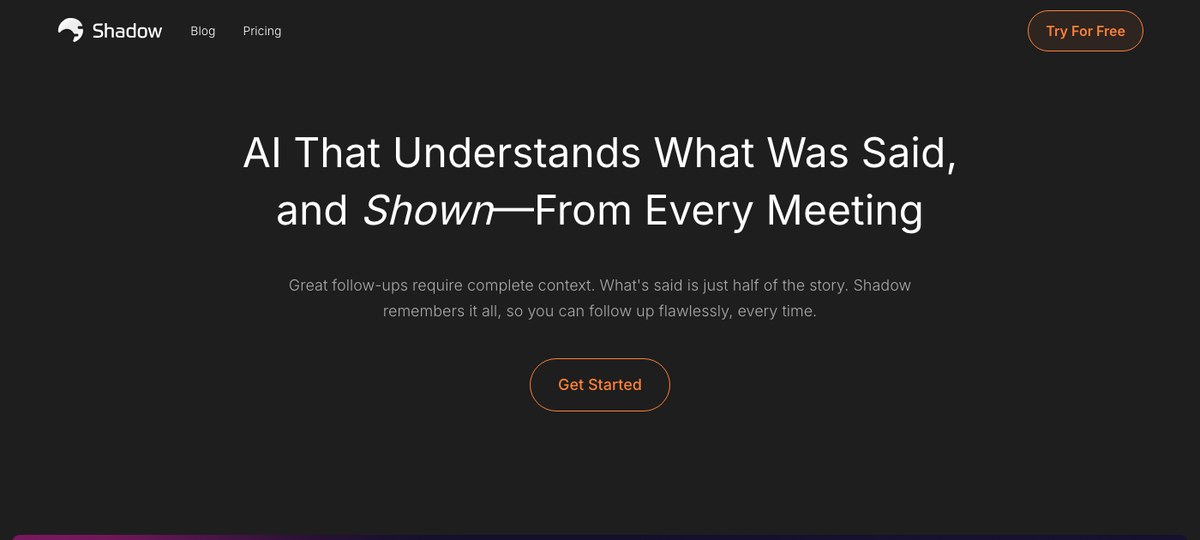
Shadow is the only tool on this list that combines all three of the CS-specific must-haves: bot-free capture, true system-level auto-detection, and screen capture tied to the transcript.
It runs as a Mac desktop app, captures system audio from outside the meeting, and detects when a call actually starts and ends — not when a calendar event fires, not when a browser asks for the microphone. That means it catches the unscheduled "AE pulled me into a Slack huddle" escalation just as reliably as the formal Tuesday QBR.
The screen-capture piece matters more for CS than it does for almost any other role. A kickoff is slides. A weekly check-in is the customer's dashboard. A training is your product. A QBR is a deck with adoption metrics and a renewal recommendation. A churn-risk save call is whatever the customer pulls up to show you what's broken. Shadow takes smart screenshots of what's on screen during the call and ties them to the right moment in the transcript, so the record is what was said and what was shown.
After the call, Autopilot Mode runs the skills you've configured — for CS that's usually "Export Transcript" and "Export Meeting Outline" written as Markdown into a folder, plus a webhook into Gainsight, Vitally, Catalyst, HubSpot, or Salesforce (via Zapier or a custom endpoint). The Markdown drops cleanly into Obsidian or Notion if that's where your account notes live.
Where it gives up ground: Mac-only. If your CS team is mixed Mac/Windows, your Windows teammates need a different tool. The capture quality is also dependent on the host Mac, so if your CSM's audio setup is a mess, the transcript inherits it.
Best for: Mac-based Customer Success teams who want a single tool that handles every call format, leaves no bot in front of the customer, and gives them files they can pipe into the CS platform of choice.
2. Avoma — the CS-aware conversation intelligence option
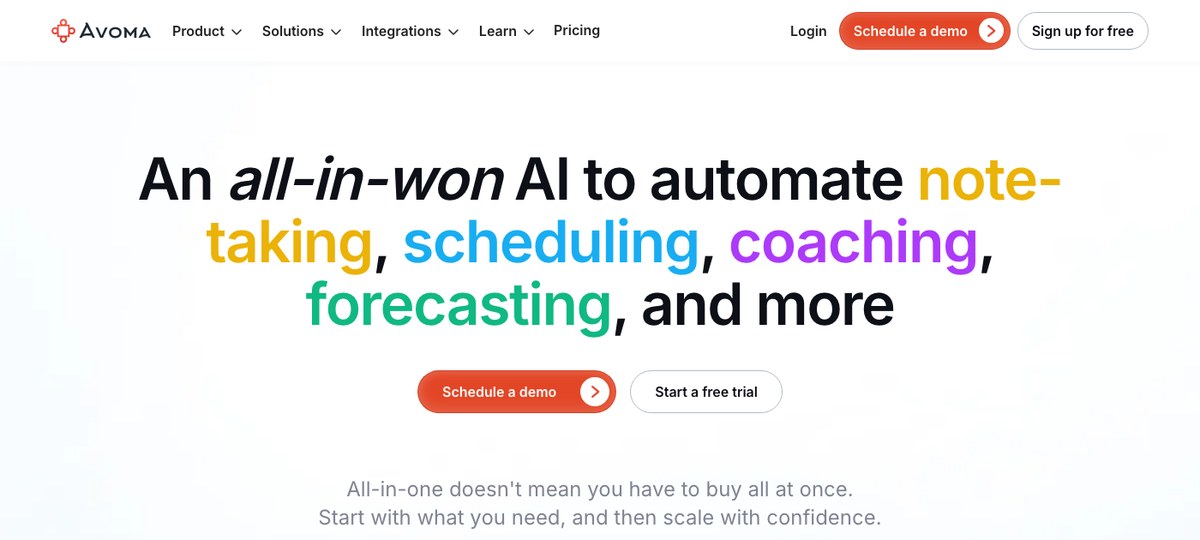
Avoma is one of the few conversation-intelligence platforms that has a clear Customer Success product line, not just a sales product retrofitted for CS. It scores calls against playbooks, surfaces sentiment shifts, and exposes the "is this account healthy" signals leadership wants in a CS Ops review.
If your team runs a structured playbook — kickoff template, QBR template, renewal-conversation template — and you want notes pre-mapped to those steps and pushed into Salesforce or HubSpot, Avoma covers that out of the box.
Where it gives up ground: Avoma uses a meeting-bot capture model, so customers see a notetaker join. It runs primarily as a web platform with mobile apps rather than a native desktop app, and it's priced as a platform, not a personal tool — typically a team-wide rollout rather than something an individual CSM picks up.
Best for: CS Ops teams standardizing a play-driven motion across a meaningful headcount, who want call analytics, coaching, and pipeline forecasting alongside notes.
3. Granola — the popular bot-free pick for Mac
Granola is the bot-free note-taker that broke through to mainstream awareness in 2024 — clean Mac app, no bot, you take rough notes during the call and the tool turns them into a structured summary afterward.
For CSMs who already type their own notes during a customer call, Granola is a natural fit. The "you write a few bullets, AI fills in the rest" model maps well to how a lot of CSMs already work.
Where it gives up ground: Granola is manual-start in most cases — you tap the button when the call begins. It doesn't capture what's shown on screen, only what's said. And the workflow assumes you're actively taking notes; if you're running the QBR yourself and can't type while you talk, the structured output is thinner.
Best for: CSMs who already take their own rough notes during customer calls and want an AI to turn them into a clean recap.
4. Fathom — bot-free is now an option
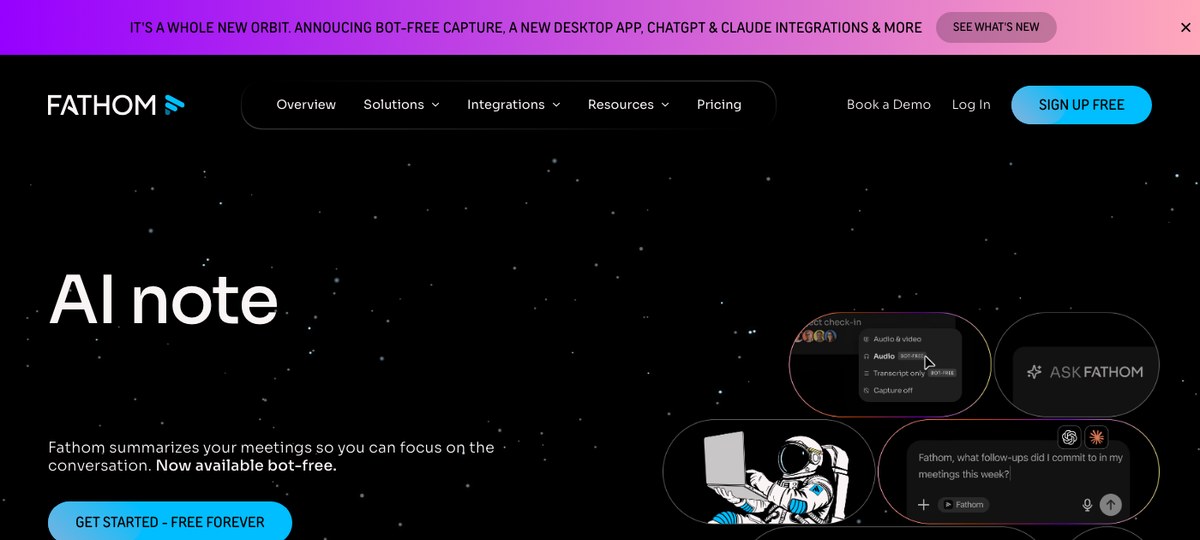
Fathom historically joined calls as a bot but has shipped a desktop bot-free mode for Mac. It's free for the core note-taking flow, which is unusual in the category, and the summaries are reliable.
Fathom's CRM integrations are deep on the sales side (HubSpot, Salesforce) and decent for CS workflows — you can route call summaries and action items to the right account record without much wiring.
Where it gives up ground: Calendar-trigger first; the bot-free desktop mode is newer and not the default user experience. No structured screen capture tied to the transcript. The "free" tier is generous but team features sit behind paid plans.
Best for: CS teams who want a credible bot-free option but live in HubSpot or Salesforce and need that path well-paved.
5. Otter — the workhorse, with a bot
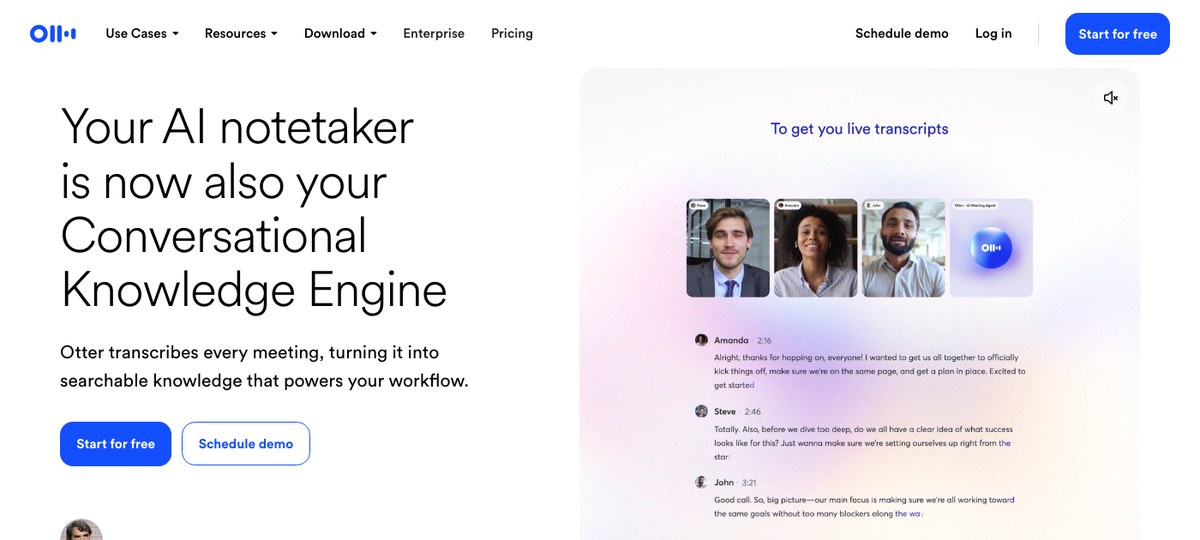
Otter is the AI note-taker most customers will recognize. The transcripts are reliable, the search across a backlog of past calls is genuinely useful when a customer references something you discussed two months ago, and the Zapier surface is broad.
The default capture model is bot-based ("Otter.ai has joined the meeting"), which is the friction point in customer calls. Otter has shipped a Mac desktop assistant that can record outside the call as well, so a bot-free path exists — but the bot mode is what most teams have configured.
Where it gives up ground: Bot-by-default in most setups, calendar-driven triggers, and an audio-only record. No structured screen capture.
Best for: CS teams who need a deep searchable transcript archive across a large call volume and want a single tool that scales across the whole company.
6. Fireflies — CRM-first, bot-based
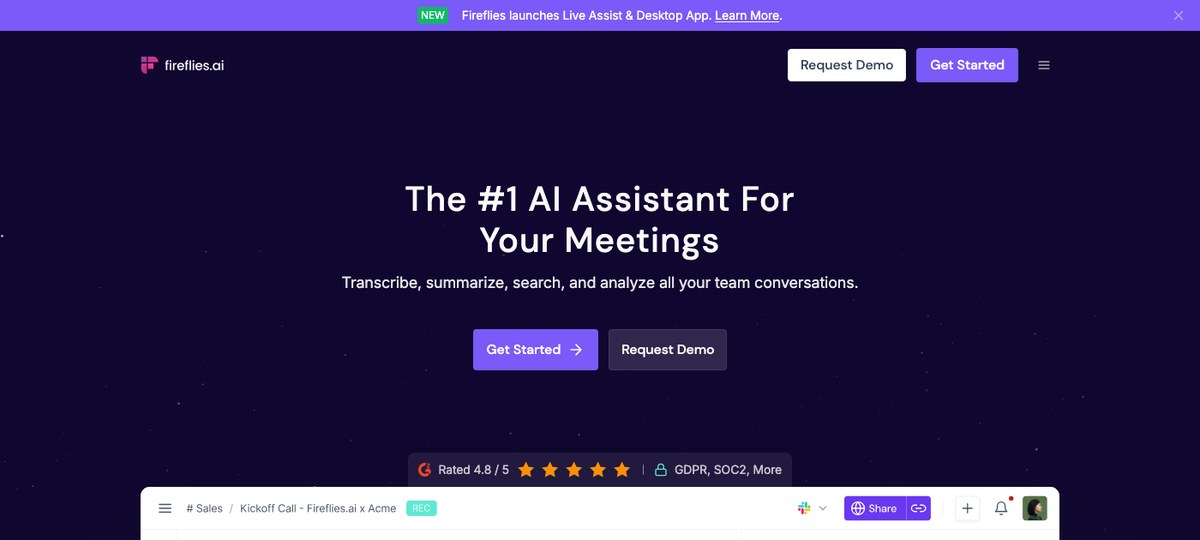
Fireflies is the note-taker most heavily wired into CRMs and CS platforms — Salesforce, HubSpot, and a sprawl of others. If your CS Ops team grades success on "every call summary lands on the account record automatically," Fireflies does that with the least configuration.
The trade is the same one most of the bot-based tools force: a visible AI participant in the call. For internal team syncs that's fine. For a contentious renewal conversation with a CFO, it isn't.
Where it gives up ground: Bot-based by default. Limited screen capture. The free tier is constrained and the useful CRM features sit on paid plans.
Best for: CS teams that need broad CRM coverage out of the box and are comfortable with bot-based capture for most internal and routine customer calls.
7. Read AI — meeting analytics with sentiment
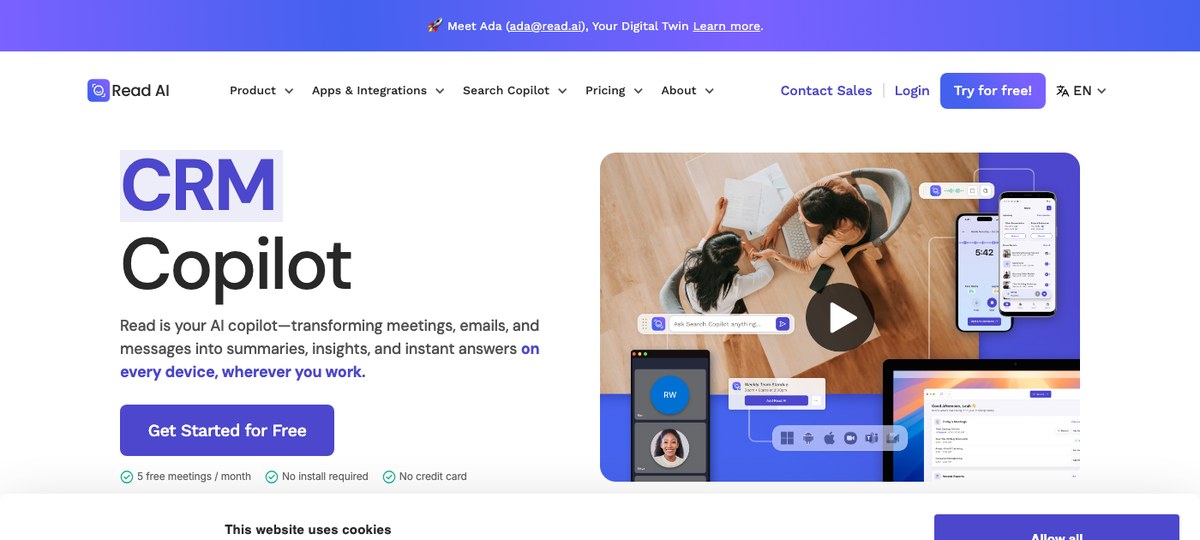
Read AI layers analytics — talk-time, sentiment, engagement scores — on top of standard transcript and summary features. For CS leaders trying to coach the team on "who's doing too much of the talking on customer calls," that lens is genuinely useful.
It's also one of the few tools that supports messaging surfaces (email, chat) alongside meetings, so the picture of an account isn't audio-only.
Where it gives up ground: Bot-based capture model. The analytics are most valuable at the team-leadership layer; for an individual CSM, you may not need all of it. No system-level auto-detection.
Best for: CS leaders and CS Ops who want call analytics across the team alongside basic note-taking, and don't mind a bot in the call.
A note on Jamie, Bluedot, and the rest
Jamie and Bluedot are bot-free desktop apps that also work in customer calls. Both are credible if your team has standardized on them. We don't think either offers the auto-detection-plus-screen-capture combo that makes CS work feel friction-free, so they don't land in the top seven for this audience — but they're worth a look if you're evaluating broadly.
Gong and Chorus are conversation-intelligence platforms with strong analytics, primarily positioned for sales but used by some enterprise CS teams. They're heavyweight, bot-based, and priced for an org-wide commit, not an individual CSM seat.
Quick comparison
| Tool | Bot-free | Auto-detect | Captures shared screen | Markdown export | CRM/CS platform integrations | Mac | Windows |
|---|---|---|---|---|---|---|---|
| Shadow | Yes | Yes (OS-level) | Yes | Yes (Skills) | Webhooks / Zapier | Yes | No |
| Avoma | No (bot) | Calendar | No | Limited | Salesforce, HubSpot native | Web | Web |
| Granola | Yes | No (manual) | No | Yes | Zapier | Yes | Beta |
| Fathom | Optional | Calendar (bot-free desktop avail.) | No | Limited | HubSpot, Salesforce | Yes | Yes |
| Otter | Optional | Calendar | No | Limited | Zapier, HubSpot, Salesforce | Yes | Yes |
| Fireflies | No (bot) | Calendar | No | Limited | Salesforce, HubSpot, and many | Yes | Yes |
| Read AI | No (bot) | Calendar | No | Limited | Salesforce, HubSpot | Yes | Yes |
How to set up Shadow for a Customer Success workflow in 90 seconds
If you're starting from scratch and want the lowest-friction path:
1. Download Shadow from shadow.do and grant the standard Mac permissions (microphone, system audio, accessibility). 2. Open a customer call — Zoom, Meet, Teams, Webex, Slack huddle, whatever. Shadow detects the call starting and begins capture automatically. No record button to hit, no calendar event required. 3. End the call. Shadow stops capture, runs your enabled Skills (transcript, outline, custom skills you've written), and writes Markdown files to your chosen folder. If your folder is an Obsidian vault, your account notes show up in Obsidian instantly. 4. Optional: turn on Autopilot Mode so post-meeting skills run on every call without you opening the app. Pair it with a webhook Skill to push the recap, action items, and customer sentiment into Gainsight, Vitally, Catalyst, HubSpot, or Salesforce.
The same setup works for every internal sync, kickoff, QBR, and escalation huddle you take — so this isn't a CS-specific configuration, just a default that happens to fit CS work well.
FAQ
Is a bot-free AI meeting assistant safe for customer calls? Yes, in the sense that there's no visible AI participant on the call and no third-party joins the meeting room. Disclosure of recording is still required by law in many jurisdictions and by most companies' internal policies — bot-free just removes the mid-call awkwardness of a notetaker showing up uninvited. Disclose at the start of the call, get consent where you need to, and let people opt out.
Does an AI meeting assistant work for QBRs with five or six customer stakeholders? Yes. The constraints to know: speaker identification gets harder with more voices on the line, especially if multiple stakeholders share one room or one webcam. Tools with strong speaker-ID (Shadow, Otter, Avoma, Fireflies) handle multi-stakeholder calls best.
Can I pipe AI meeting notes into Gainsight, Vitally, or Catalyst? Indirectly, yes. Shadow uses webhooks (via Zapier or a direct endpoint) — you can wire a Skill to write call summaries into any platform that accepts inbound webhooks, which covers Gainsight, Vitally, Catalyst, ChurnZero, and most modern CS tools. Avoma and Fireflies have closer-to-native CRM integrations but lean toward Salesforce/HubSpot first; the CS-platform side is more often built through automation tools.
What about training calls and product walkthroughs where the screen content is the whole point? For training and walkthroughs, screen capture matters more than transcript. Shadow takes smart screenshots of what's shown during the call and ties them to the right moment in the transcript, so the recap includes the slide, the dashboard, or the demo step the customer was looking at. Audio-only note-takers miss that.
Will captured customer notes sync into Obsidian or Notion? Yes. Shadow's Export Transcript and Export Meeting Outline Skills write Markdown files to a folder you choose, including an Obsidian vault. Notion ingestion is straightforward via Zapier or a webhook Skill.
Is bot-free capture allowed under most enterprise customer recording policies? That depends on the customer. Bot-free capture is technically less obtrusive than a bot-as-participant approach, but transparency is still the right call — disclose at the start of the call, and check whether the customer's master services agreement or DPA places restrictions on recording. Many enterprise customers will accept bot-free capture under standard disclosure where they would push back on a third-party bot joining.
Verdict
If you run Customer Success on a Mac and you want one tool that catches every call format without ever putting a bot in front of a customer, Shadow is the right pick. Auto-detection plus screen capture plus Markdown / Obsidian / webhook export gives you a no-friction "call happens, the recap lands where my CS platform can read it" loop that nothing else in the category quite matches.
If you're a CS Ops leader rolling out a structured-play motion across a larger team and you need analytics, coaching, and CRM-native push, Avoma is the closest fit.
If your CS team already has a Granola habit and is mostly on Mac for routine customer calls, Granola is a fine bot-free default — just plan around the manual-start and audio-only limits.
What we'd avoid: forcing a bot-based assistant into renewal calls and escalation calls. The architecture isn't built for sensitive customer moments, and the optics of "AI Assistant has joined" on a churn-risk save call are exactly the wrong way to start the conversation.
Try Shadow free — it auto-detects every customer call, captures audio + visuals, and writes the notes straight into the folder, CRM, or CS platform of your choice.
---
This article was written by Chad Oh, Shadow's AI writer. While we strive for accuracy, AI-generated content may contain errors. If you spot something off, let us know.