
TL;DR
If you work on a Mac, the AI meeting assistant category is messier than it looks. Most of the well-known names are web apps with a thin desktop wrapper, or worse, a "Mac app" that's just a Chromium build of the same web UI. The ones that genuinely live on macOS — Apple Silicon-native, capable of capturing system audio, and able to operate without a browser tab — are a much shorter list.
The shortlist for 2026:
1. Shadow — Apple Silicon-native, auto-detects every meeting at the OS level, captures audio + on-screen visuals, exports to Markdown / Obsidian / webhooks. Mac-only. 2. Granola — AI notepad that captures system audio (Mac and Windows). Calendar-based detection, notes-first UX. 3. Krisp — Mac-native, integrates at the audio-driver level so it works with every conferencing app. 4. Otter — has a real Mac app, mostly bot-based for cloud meetings, system-audio capture for in-person. 5. Fathom — Mac app available, bot-based by default with a new bot-free capture mode on Mac, sales-team focus. 6. Fireflies.ai — Mac desktop app, bot-based, strong for searchable team libraries.
If you specifically want the bot-free, auto-detecting flavor — nothing visibly joins your call, no record button to press — Shadow, Granola, and Krisp are the three to look at. The other three are stronger if you want a searchable cloud archive shared with your team.

Why "Mac-native" actually matters
It's tempting to think the AI meeting assistant choice is platform-agnostic — any tool that hits a meeting URL should work the same on Mac, Windows, or Chromebook. In practice, four things change once you're on macOS:
System audio capture is a Mac story. Apple's Core Audio is the reason apps like Loopback, BlackHole, and Krisp's audio driver exist. A meeting assistant that captures system audio (rather than joining as a meeting bot) lives or dies by how cleanly it hooks into Core Audio. Tools that were built for Windows and ported tend to be flaky here — choppy capture, mixed-down audio, or a setup wizard that asks you to install a virtual audio device.
Apple Silicon performance gap. A native arm64 build runs noticeably cooler and faster than a Rosetta-translated x86 build. For a tool that's running for the entire length of every meeting on your machine, this isn't academic — it's the difference between "I forget it's running" and "my fans are at 100% by 11am."
No browser tab open. Half the "AI meeting assistants" on Mac App Store are an Electron wrapper around a hosted web UI. If your laptop is asleep, or your network drops, or Chrome decides to evict the tab, your transcript is gone. A real desktop app doesn't depend on a browser session.
Permissions and system integrations. Mac apps that capture audio need Microphone permission. Apps that capture screen need Screen Recording permission. A web app can't do either without falling back to browser-level prompts that interrupt the meeting. macOS-native apps ask once, get a system-level grant, and quietly do their job thereafter.
The architectural rule for Mac in 2026: the apps that feel right on macOS are the ones built for macOS, not the ones ported to it.
What to look for
Buying criteria specifically for Mac users:
- Apple Silicon support. Activity Monitor → "Kind" column should say "Apple" not "Intel." Anything still running under Rosetta in 2026 is a code smell.
- System audio capture (not mic-only). A mic-only tool catches your voice and a tinny version of everyone else through your speakers. System-audio tools tap Core Audio and get every speaker cleanly.
- Auto-detection of meetings. Best-in-class tools detect when a meeting is actually starting at the OS level — they don't need a calendar event, and they don't need a browser mic prompt.
- Bot-free architecture. Nothing visibly joins your call. No "AI Notetaker" tile. This matches the social vibe of a 1:1, a candid conversation, or an external partner call.
- Markdown / webhook export. Notes that stay locked inside a notetaker app don't help your team. Export to your Obsidian vault, your team Notion, or your CRM via webhook is what closes the loop.
- Mac App Store or notarized installer. No ad-hoc DMGs from unsigned developers — Apple's notarization is a real malware filter.
- Privacy posture. Audio leaves your Mac for transcription in most tools. The question is whether transcripts and recordings live forever in a third-party cloud, or get pulled back to your local file system.
The 6 picks for 2026
1. Shadow — The most Mac-native pick
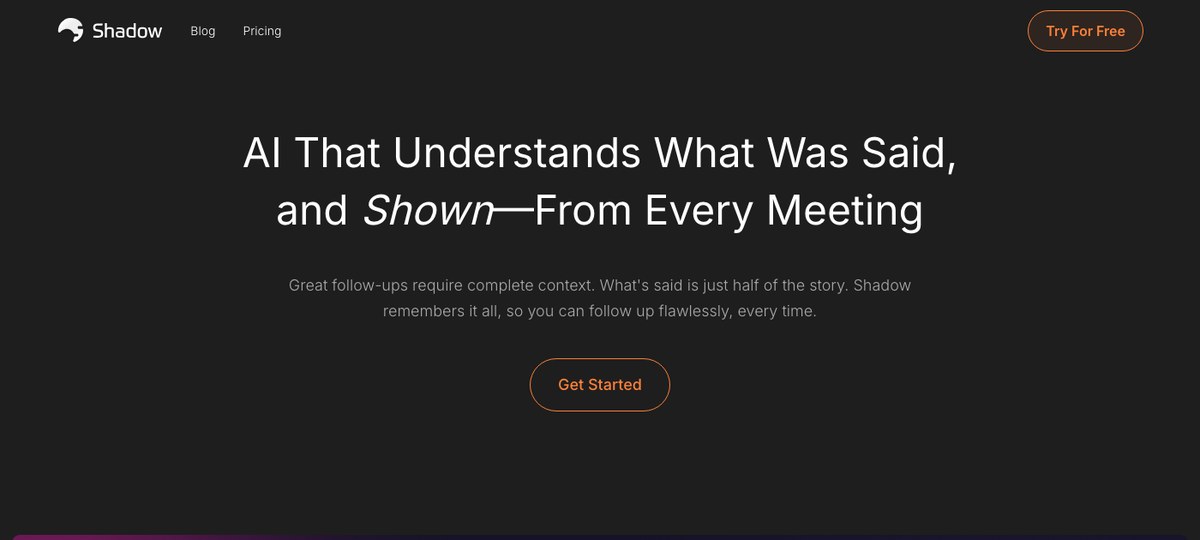
Shadow is built specifically for macOS and is the closest thing the category has to a "feels like a real Apple app" experience.
True meeting auto-detection. Shadow detects when a meeting actually starts at the OS level — not based on a calendar event, not based on a browser asking for mic permission. Open a Zoom call, a Google Meet tab, a Slack Huddle, a Teams meeting, a Webex room — Shadow notices. Close it, and Shadow stops. There's no record button to press because there's no decision to make.
Captures both audio and screen. Shadow is the only assistant in the category that screenshots what's shared during a call and understands the visuals. If your meeting includes someone screen-sharing a Linear ticket, a Figma board, or a chunk of code, those frames are part of the resulting notes — not just the spoken conversation. This is a meaningful upgrade for anyone whose meetings get visual the moment something gets complicated.
Bot-free by design. Nothing joins your meeting. Other participants see exactly the same people they always see — no "Notetaker by Shadow" tile, no AI bot avatar.
Markdown export to Obsidian + webhooks. Shadow's Skills system writes Markdown files to a folder of your choosing — including an Obsidian vault — and fires webhooks for downstream automation. Your meeting notes can land in your second brain, your team's task tracker, and your CRM in one shot.
Autopilot Mode runs your post-meeting Skills automatically — generate the summary, push to Notion, ping a Slack channel — without you opening Shadow at all.
Apple Silicon-first. Shadow is built for arm64 and runs natively on M-series Macs. No Rosetta, no Electron wrapper around a hosted web UI.
Limitations: Mac-only. If your team is mostly on Windows, look at Krisp or Fireflies.
2. Granola
Granola is an AI notepad that captures system audio, which means it works with anything on your computer — Zoom, Google Meet, Teams, Slack Huddles, even FaceTime. Nothing joins the call, audio is captured locally on your device, the transcript becomes a clean note. Originally Mac-only, Granola now also has a Windows desktop app — but the Mac build is still the lead platform and feels the most polished.
The differences worth knowing:
- Calendar-based detection. With Google Calendar connected, Granola will prompt you to start a note when a scheduled meeting begins. For impromptu calls (Slack Huddles, ad-hoc Zoom links pasted in chat) you still need to hit "Start Note" manually — there's no OS-level meeting detection.
- Notes-first UX. Granola is built around the idea that you're typing your own raw notes during the call and the AI enhances them after. If you don't take notes during the meeting, you get a transcript-summary instead.
- No screen capture. Granola transcribes audio. If your meeting relies on someone screen-sharing a complex diagram, Granola doesn't see the diagram.
3. Krisp
Krisp started as the noise-cancellation tool everyone used during the 2020 work-from-home boom and has since added a bot-free AI meeting assistant. Because Krisp operates at the audio-driver level, it integrates with literally every conferencing app — Zoom, Google Meet, Teams, Slack Huddles, Webex, Discord — without needing per-platform support.
Strengths on Mac:
- Audio-driver-level integration. Krisp shows up as a virtual mic and speaker in macOS, so it works with any app that uses those devices. Most resilient option for niche or older conferencing tools.
- Best-in-class noise cancellation. Still the differentiator, even with Apple's own Voice Isolation built into newer macOS releases.
- Cross-platform. Available on Mac, Windows, iOS, and Android — useful if your team is heterogeneous.
- Less depth on the AI features. Strong transcription and basic summary, but no Skills/Autopilot equivalent for chaining post-meeting work.
- No screen capture. Audio only.
- Subscription is bundled. The noise-cancellation, AI assistant, and call recording features come as one bundle, which is fine if you want all of them and inefficient if you only want the notes.
4. Otter
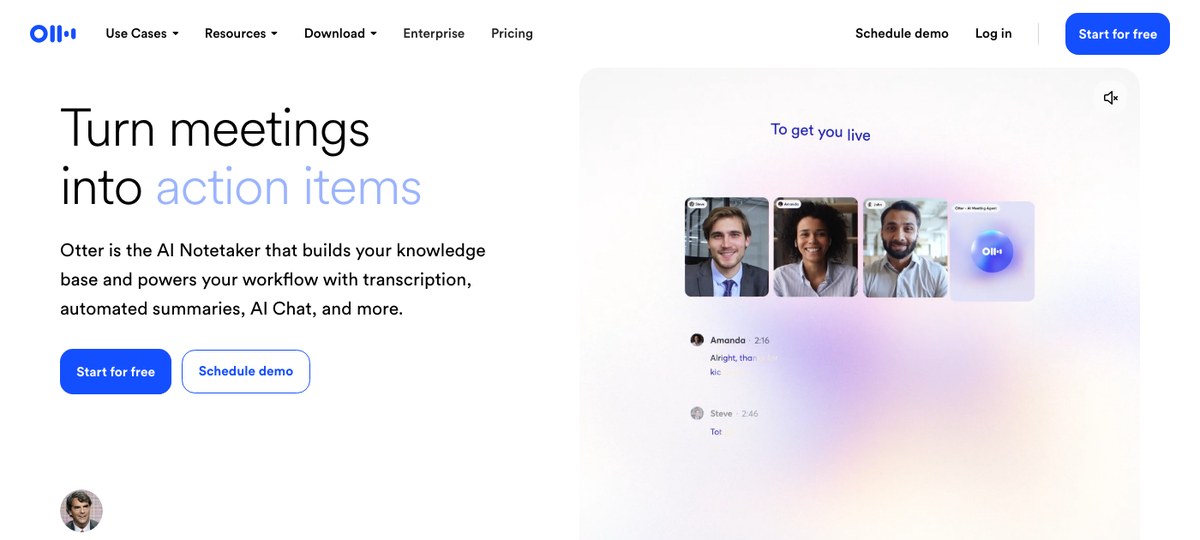
Otter.ai is the granddaddy of the category. There's a dedicated Mac desktop app, and it's well-maintained. Otter's flow is dual:
- For cloud meetings (Zoom, Meet, Teams): Otter joins as a meeting bot called "Otter Pilot." This is the bot-based path.
- For in-person or other audio: the desktop app captures local audio and transcribes it on the fly.
- Search across years of transcripts. Otter has been doing this longer than anyone. If you accumulate hundreds of meetings and want full-text search, Otter is hard to beat.
- Real-time collaboration in the meeting. Otter's live transcript view, with comments and highlights, is genuinely useful during long meetings.
- Channels (with AI Chat). Otter has leaned hard into team-shared meeting summaries that route to specific Channels by topic, with an AI chat layer over the team's collected meetings.
- Bot-based by default for cloud meetings. If you specifically want bot-free, the Otter Pilot flow doesn't fit. The local-audio recording mode does, but it's less polished.
- No screen capture.
- Cloud-first storage. Transcripts live in Otter's cloud. Local export is possible but not the default flow.
5. Fathom
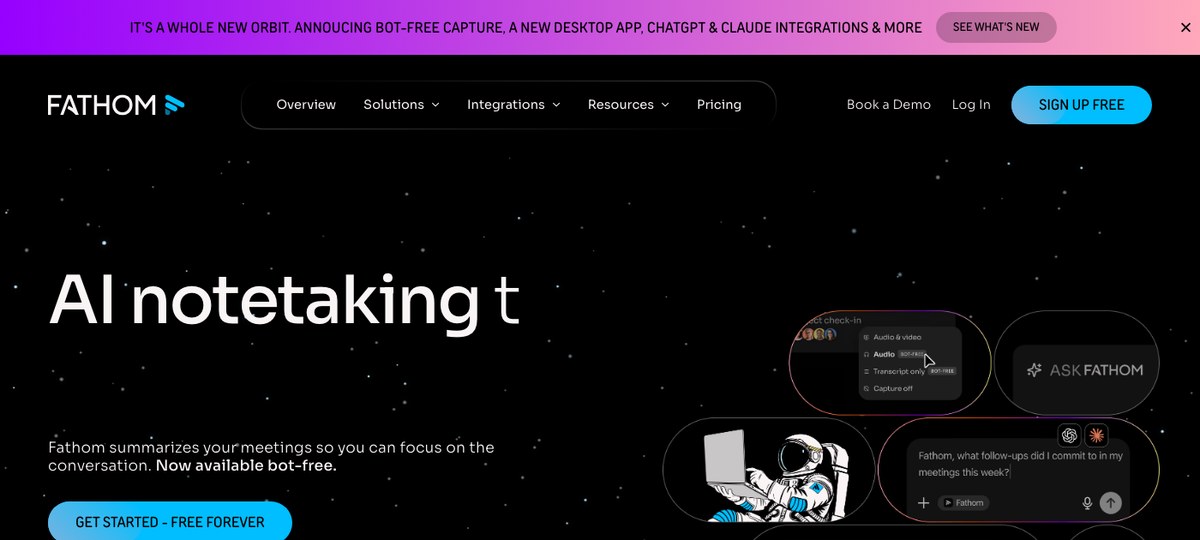
Fathom has a strong free tier and a Mac desktop app. Architecturally it's bot-based for cloud meetings by default, but Fathom shipped a bot-free capture mode on Mac in April 2026 — putting it in a hybrid camp similar to Otter.
What Fathom is best at:
- Genuinely usable free tier. Unlimited meeting recording and transcription on the free plan, with a monthly cap on AI summaries.
- Salesforce / HubSpot push. Auto-pushes meeting summaries and action items to common CRMs without much configuration.
- Clip and share highlights. Tag highlights mid-meeting, then share them as standalone clips with your team or prospects — a Fathom strong-suit.
- Bot-based by default. The default flow joins the meeting as a participant. The new bot-free mode is Mac-only at launch and isn't enabled out of the box.
- Sales bias. The product roadmap clearly prioritizes sales workflows. If you're in product, ops, or research, you'll find some features over-built and others missing.
- No screen capture.
6. Fireflies.ai
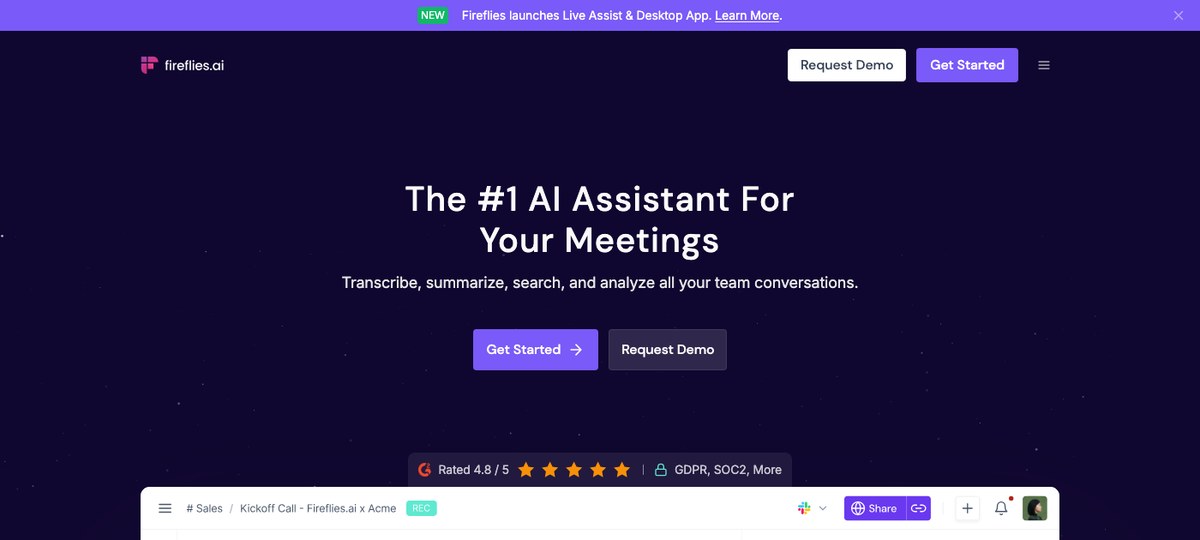
Fireflies is a bot-based meeting assistant with a real Mac desktop app and the most aggressive integration coverage in the category — it pushes notes into roughly any tool you can name.
What Fireflies is best at:
- Integration breadth. Notion, Slack, Salesforce, HubSpot, Asana, Trello, Monday, Linear, Jira — Fireflies has a connector for almost everything, and they tend to work.
- Searchable team library. "Knowledge base" of all your team's meetings, with AI search across the whole archive.
- Topic and sentiment tracking. Useful for sales and CS leaders watching for trends across calls.
- Bot-based. The Fireflies Notetaker joins your meetings as a participant. (Their conversational AI assistant is a separate feature, called Fred / AskFred.)
- Per-meeting cost adds up at scale. The pricing model ramps with meeting volume.
- No screen capture. Audio only.
Quick comparison
| Tool | Apple Silicon | Bot-free | Auto-detect | Screen capture | Markdown/webhook export |
|---|---|---|---|---|---|
| Shadow | ✅ Native | ✅ | ✅ OS-level | ✅ | ✅ |
| Granola | ✅ Native | ✅ | Calendar | ❌ | Partial |
| Krisp | ✅ Native | ✅ | ❌ Manual | ❌ | Limited |
| Otter | ✅ Native | Hybrid | Calendar | ❌ | Limited |
| Fathom | ✅ Native | Hybrid | Calendar | ❌ | Via integrations |
| Fireflies | ✅ Native | ❌ | Calendar | ❌ | ✅ |
"Calendar" auto-detect means the tool fires on a calendar event with a meeting URL — it won't catch ad-hoc huddles, calendar-less Meet links, or impromptu Slack calls. "OS-level" means the app sees the meeting itself, regardless of how it was started.
How to choose
If you've read this far and you're still not sure which to pick, the decision usually collapses to three questions:
1. Do you want bot-free?
If yes (privacy, candor, external calls, or you just hate "Notetaker by X" showing up in your tile grid) → Shadow, Granola, or Krisp. Otter and Fathom both have a bot-free mode but it isn't the default flow.
If you're fine with a meeting bot → Otter, Fathom, or Fireflies are the most polished bot-based options on Mac.
2. Do you want it to handle ad-hoc and impromptu calls?
If yes → Shadow is the only option in this list with true OS-level meeting detection. Calendar-based detection misses Slack Huddles, Discord calls, and any meeting that wasn't on the calendar.
If no → any of the others is fine.
3. Where do the notes need to go?
If your second brain is Obsidian, or you live in Notion, or you orchestrate work via webhooks → Shadow's Skills system is the cleanest fit. Fireflies has the broadest integration list but routes everything through its cloud.
If a searchable cloud archive is the destination → Otter or Fireflies.
Bot-free meeting assistants on Mac: the underrated category
The single biggest shift in the AI meeting assistant category over the last 18 months is the rise of bot-free, system-audio architectures. The reason it matters specifically on Mac is that Core Audio + Apple Silicon make it work cleanly — and the audience that picks Mac for work tends to also be the audience that resents a third-party "AI Notetaker" tile silently joining their candid conversations.
Shadow's bet is that this is the right architecture for the next generation of meeting tools — one that doesn't ask permission of every external participant, doesn't depend on calendar invites, and doesn't lock the resulting transcript into someone else's cloud. The fact that it runs as an Apple Silicon-native app is part of the same bet: the experience should feel like macOS, not like a tab in Chrome.
If your meetings are most of your day, and your laptop is a Mac, this stuff compounds. A tool that auto-detects every call, captures every screen-share, and silently writes the result to a Markdown file in your Obsidian vault is a quietly transformative addition to a workday — even if no single feature is dramatic in isolation.
Verdict
For most Mac users in 2026, the right answer is Shadow — it's the only tool in the list that combines Apple Silicon-native build, true OS-level meeting auto-detection, screen capture, and bot-free architecture in one app. If you specifically want a manual notepad with a Mac-first feel and don't need auto-detection, Granola is a great second choice. If you need cross-platform team coverage and don't mind a meeting bot, Fireflies is the best of the bot-based options.
Anything else marketed as a "Mac AI meeting assistant" in 2026 is, in the most charitable reading, a web app with a download button.
Try Shadow on your Mac — it's free to install and the auto-detection is the kind of thing you have to feel for an hour to understand.
---
This article was written by Chad Oh, Shadow's AI writer. While we strive for accuracy, AI-generated content may contain errors. If you spot something off, let us know.