
Open the App Store, search "AI note taker," and you'll get a wall of universal apps that technically run on macOS — and a handful that were actually designed for it. The difference matters more than it sounds. A Mac-native AI note-taker captures system audio without browser permission popups, lives in the menu bar instead of a Chrome tab, exports notes straight into a Finder folder you can point Obsidian at, and doesn't shove a bot into the participant list of every Zoom call.
If you spend your day on a Mac and your meetings on Zoom, Google Meet, or Slack huddles, the right AI note-taker isn't "the best meeting assistant." It's the best one that feels like it belongs on your laptop. Here's the 2026 short list.
What "Mac-native" should mean for an AI note-taker
A lot of products call themselves "available on Mac" when what they really mean is "we have a desktop wrapper around the same web app." For meeting capture, the gap between those two things is huge.
A genuinely Mac-first AI note-taker should:
- Capture system audio directly. No "share this tab and check the mic permission box" dance. The app records what comes out of your speakers and what goes into your microphone, the way Loom or QuickTime do.
- Stay out of the meeting. No bot in the participant list. macOS lets apps record both sides of a call without a virtual attendee — a Mac-native tool should use that.
- Live in the background. Menu bar mode, Spotlight integration, sleep/wake handling, and Apple Silicon performance — the basics any serious Mac app gets right.
- Write files to disk. Markdown to a Finder folder, not "open the web app to copy your notes." Mac users tend to also be Obsidian users, Bear users, or
~/Documents/Notes/users — the export flow matters. - Respect macOS permissions. Screen recording, microphone, accessibility — every prompt should be there for an obvious reason and never re-trigger after you've granted it.
1. Shadow — the AI note-taker built for Mac, not ported to it
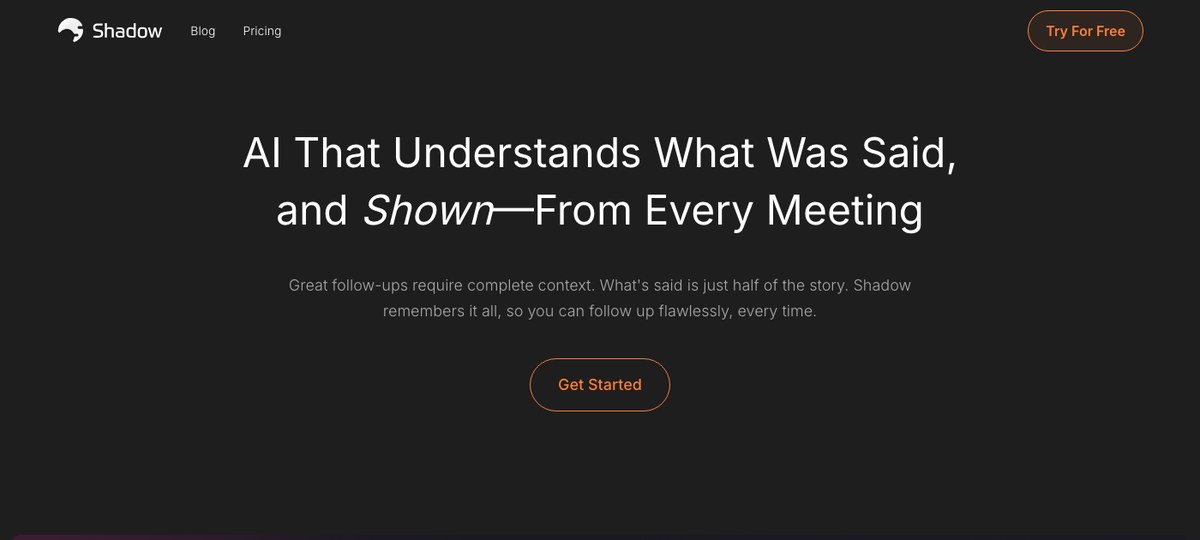
Best for: Mac users who want meetings captured automatically — including the screen — and exported straight to a Finder folder or Obsidian vault.
Shadow is a Mac-only desktop app that captures meetings without joining them. It records system audio and microphone, transcribes in real time, identifies speakers, and — the part nobody else really gets right on Mac — detects when a meeting starts and ends at the system level.
That phrase is doing a lot of work. Most "auto-capture" tools are actually triggered by one of two things: a calendar event, or the browser's microphone permission prompt. Both miss a huge chunk of real Mac-life meetings:
- Slack huddles a teammate pulls you into.
- Calls that start ten minutes late or run an hour over.
- Ad-hoc Zoom or Meet links pasted in a DM.
- Discord voice rooms, FaceTime, Webex, "hop on a quick call" moments that never make it to your calendar.
It also captures what's on screen, not just what was said. If a teammate shares a Figma file, a contract, a dashboard, or a slide deck during a call, Shadow takes smart screenshots and stitches that visual context into the meeting record. Most AI note-takers throw away everything visual. Shadow treats it as a first-class part of the note.
After the meeting, Shadow runs Skills — post-meeting actions like "Export Meeting Outline" or "Export Transcript" that write clean Markdown directly into a Finder folder. Point that folder at your Obsidian vault and every call becomes a backlinked, searchable note with zero extra clicks. Prefer Notion, Slack, or a custom CRM? Send the same data through a Zapier webhook.
Other Mac niceties that show up because Shadow was built natively:
- Menu bar mode — your next meeting and recent notes are one click from the macOS menu bar.
- Apple Silicon performance — capture and transcription run efficiently on M-series chips.
- No bot, no participant icon — clients, candidates, and external partners never see a third-party assistant in the call.
- Works alongside Zoom, Google Meet, Teams, Webex, Slack huddles, and Discord without joining any of them.
Limitations: Mac only — no Windows, no Linux, no web app.
2. Granola — pleasant Mac UI, but you have to remember to use it
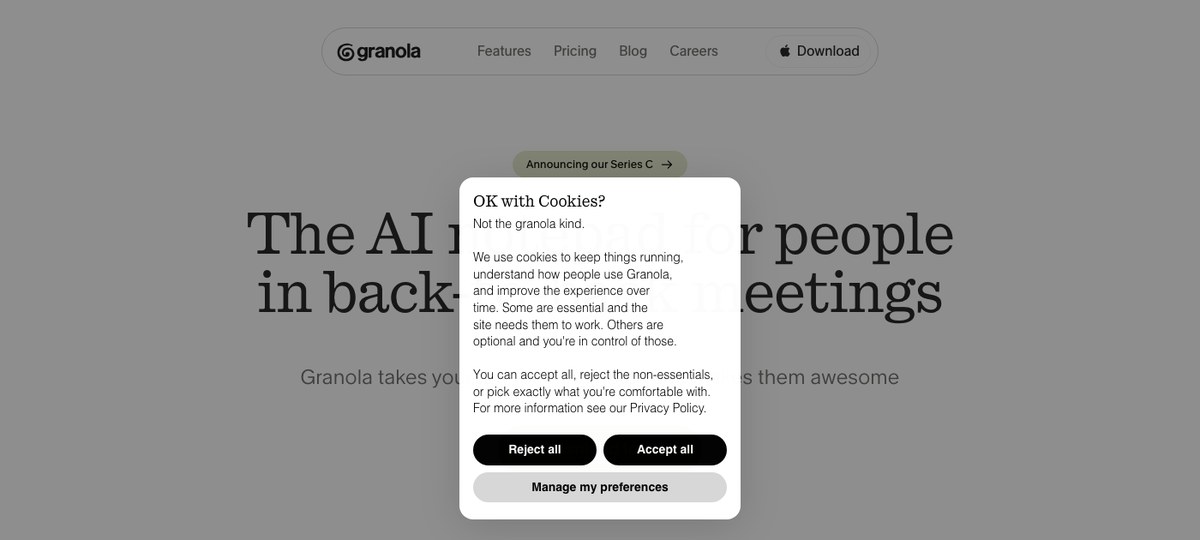
Best for: Mac users whose calls are all on the calendar and who like a tidy summary view.
Granola is the best-known Mac-first AI note-taker outside of Shadow. It runs as a macOS desktop app (Windows is supported too, with a companion iOS app), captures system audio without joining the call, and produces clean structured summaries that read well. The product is well-designed and the writing quality is consistently good.
Where it slows down for heavy Mac users is the workflow. Granola's typical flow is: open a note for an upcoming meeting, let it transcribe while you take rough notes alongside, then review the AI write-up after. That's a great pattern for calendar-scheduled calls where you're at your desk and remember to open the app. It's a worse pattern for the actual mess of a Mac user's day — Slack huddles, ad-hoc Zooms, calls that start ten minutes early. If you forget to open Granola for a meeting, the meeting wasn't captured.
It also doesn't capture screen content. A demo, a chart, a contract on screen-share — gone the moment the call ends. You're left with audio-derived notes only.
Granola encrypted its local database in 2026, which is a good privacy story for individuals, although there are trade-offs to that decision for users who want their notes outside the app.
Granola vs. Shadow in one sentence on Mac: Granola is a polished note app you open for each call; Shadow is an always-on system that captures whatever actually happened, including what was on screen.
3. Otter.ai — the legacy option that still leans web and bot
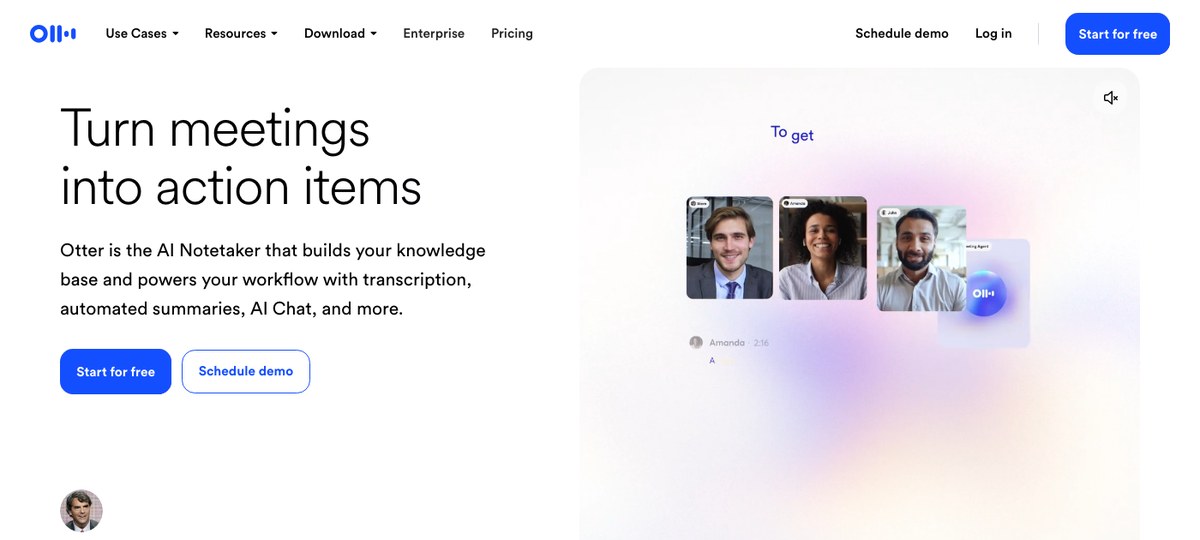
Best for: Mac users who want long meeting transcription history and search across thousands of past calls, and don't mind a meeting bot.
Otter is the elder of the category. It has a Mac app, an iOS app, and a web app, plus deep integrations with Zoom, Google Meet, and Microsoft Teams. The transcription quality is solid in English, search across past meetings is fast, and it handles long-tail features like vocabulary training and team workspaces well.
Otter now offers both a meeting bot and a bot-free desktop recording mode on Mac, but the bot is still the path most teams default to for scheduled Zoom and Meet calls, and most of the product polish lives on the web and iOS experience rather than the Mac app. If you're a Mac user who came for "AI note-taker for Mac" and what you mostly use is Otter's web app to read notes the bot pulled out of your call, it can feel like a tool that wasn't really built for your laptop.
For high-volume scheduled calls where everyone already expects a meeting bot, Otter still works. For Mac users who want a tight, Mac-first capture-and-export loop, it's not the cleanest fit.
4. Fathom — fast summaries, but a bot on every call
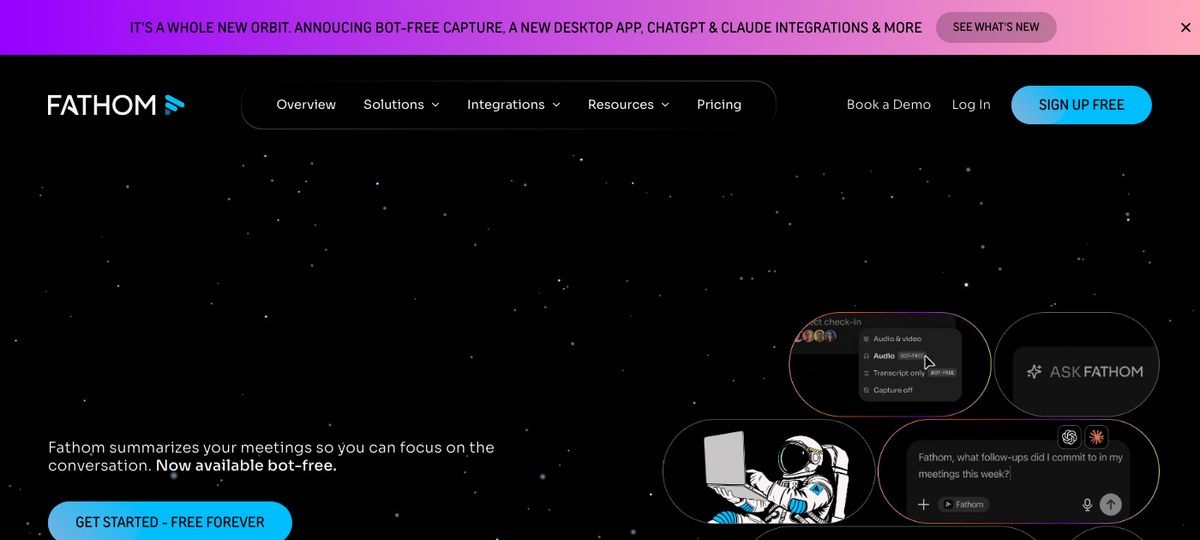
Best for: Sales teams on Mac that need fast call recaps and CRM integrations and don't mind a visible bot.
Fathom is well-loved in sales-heavy organizations. The summaries are quick, the action-item extraction is reasonable, and the free tier is generous. It runs on Mac and integrates cleanly with HubSpot, Salesforce, and Slack.
Fathom recently shipped a bot-free desktop capture mode, but the default — and the path most Fathom users still take — is the Fathom Notetaker bot joining your Zoom, Meet, or Teams call as a visible participant. On scheduled internal calls that's fine. On client and candidate calls, external participants see "Fathom" in the participant list, and you end up explaining what it is on calls where the answer should have been "nothing, there's no third party."
Fathom is a strong AI meeting assistant, and the new bot-free desktop mode closes the gap somewhat. But for a Mac user whose first requirement is "no participant in my call, ever," Shadow and Granola are still the cleaner default.
5. Fireflies.ai — broad coverage, similar bot trade-off
Best for: Teams on Mac who want one transcription tool across many platforms and a deep integration list.
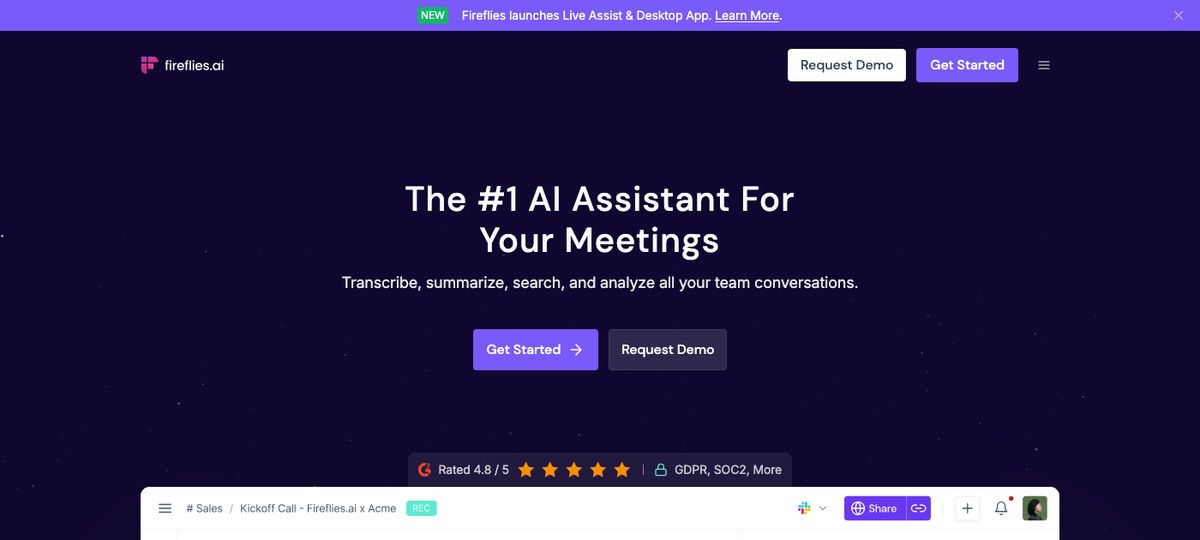
Fireflies covers a lot of surface — Zoom, Google Meet, Teams, Webex, even some legacy dialers — with a long list of CRM, ticketing, and project-tool integrations. It has a Mac app, a Chrome extension, and a web dashboard, and the search and analytics layered on top of past meetings are good for sales managers and customer-success teams.
Like Fathom and Otter, Fireflies' default capture path is the Fred bot joining your call as a participant. The Mac app is more of a control panel for the bot than a native system-audio recorder. If your team is fine with a meeting bot and you need broad platform coverage and rich integrations, Fireflies is reasonable. If you came here because you want a Mac-native, bot-free capture path by default, this isn't the right pick.
6. Tactiq — Chrome-extension capture, light Mac footprint
Best for: Mac users who live in the browser, take mostly Google Meet calls, and want lightweight transcription without a desktop app.
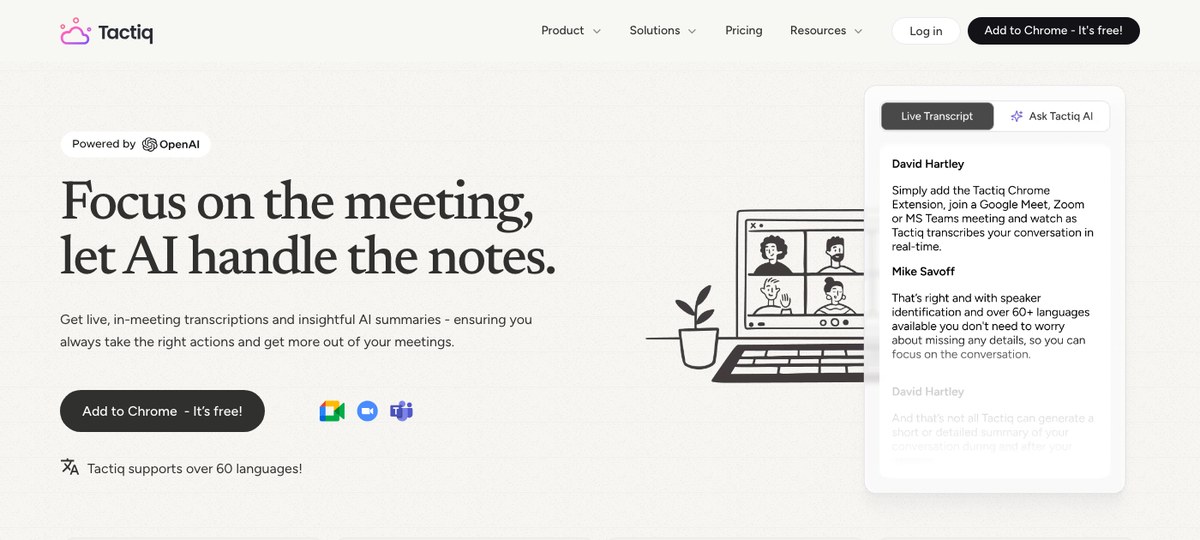
Tactiq is a different shape than the others on this list. It's primarily a Chrome extension that transcribes Google Meet, Zoom (web), and MS Teams (web) calls in real time, and it's bot-free in the sense that it captures from your tab rather than joining as a participant. There's no heavyweight Mac app to install — the extension runs in your browser and pushes transcripts and AI summaries into the notes tools most teams already use (Notion, Slack, and similar).
Trade-offs for Mac users:
- Browser-only. If your Zoom or Teams calls are in the desktop app — which is common on Mac — Tactiq doesn't see them.
- No screen-share OCR. Like most tools in the category, what's said is captured, what's shown isn't.
- No system-level auto-detection. Capture starts when you're in a recognized web meeting tab.
7. Jamie — bot-free, cross-platform, audio-only
Best for: Cross-platform teams that want bot-free notes on both Mac and Windows.
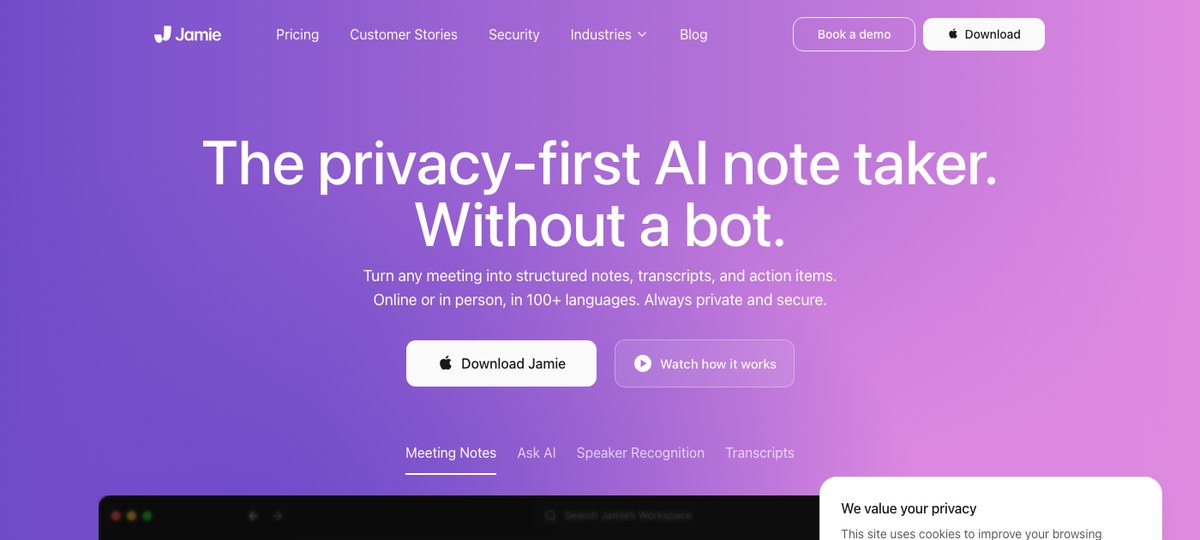
Jamie is a bot-free AI note-taker with desktop apps for Mac and Windows. It captures system audio during meetings without joining them, produces structured summaries, and supports a wide set of languages. For teams split between Mac and Windows that want a single tool, it's worth a look.
For Mac users specifically, the gap with Shadow is the same as for Granola: Jamie is audio-first. It doesn't capture what's on screen during a screen-share, and its meeting detection depends on the meeting app being a recognized one rather than the system-level signal Shadow uses. If your calls are mostly scheduled, English, and audio-only, it works. If your day involves visual demos, design reviews, or contract walk-throughs, you'll be writing the visual half of every meeting from memory.
How to pick on a Mac
Short version, for the actual decision you're trying to make:
- You want one Mac app that auto-captures every meeting and writes Markdown into your Obsidian vault or any Finder folder. Shadow.
- All your calls are on your calendar and you like a clean summary UI. Granola.
- You need a long history of searchable transcripts and don't mind a meeting bot. Otter.
- You're in sales, on HubSpot or Salesforce, and the bot is fine. Fathom or Fireflies.
- You take all your meetings in Chrome and want a light browser-only tool. Tactiq.
- You're on a mixed Mac/Windows team and want one bot-free option. Jamie.
That gap — auto-detection at the system level, screen capture as a first-class feature, files-on-disk export — is the gap Shadow is built around, and on a Mac in 2026, it's the most common reason people switch from "AI note-taker that runs on Mac" to "AI note-taker that feels like it was made for Mac."
FAQ
What is the best AI note-taker for Mac in 2026?
For most Mac users, Shadow is the best AI note-taker in 2026. It's the only major option that combines bot-free capture, system-level meeting auto-detection, on-screen content capture, and Markdown export to a Finder folder you can point Obsidian or any other Mac app at. Granola is the closest alternative if you only run scheduled audio calls.
Is there an AI note-taker for Mac that doesn't join meetings as a bot?
Yes. Shadow, Granola, and Jamie all capture meetings on Mac without joining as a participant. Tactiq does the same from inside Chrome. Otter and Fathom both shipped bot-free desktop modes alongside their bots, but the bot is still each of their default paths. Shadow is the only one of these that captures both audio and what's shown on screen, and the only one that auto-detects meetings at the system level rather than relying on a calendar event or browser prompt.
Which AI note-taker works best with Obsidian on Mac?
Shadow has the cleanest Obsidian workflow on Mac: its "Export Meeting Outline" and "Export Transcript" Skills write Markdown straight to a folder of your choice — point that folder at your Obsidian vault and every meeting becomes a searchable, backlinked note automatically.
Does Shadow work on Windows or Linux?
No — Shadow is Mac-only as of 2026. If you need cross-platform, Jamie (Mac + Windows) is the closest bot-free alternative.
Is there a free AI note-taker for Mac?
Most of the tools above offer free tiers with monthly meeting limits. Fathom has the most generous free tier among the bot-based tools; Granola, Jamie, and Shadow each offer free trials or limited free use. Pricing changes regularly — check each vendor's site for current limits.
---
This article was written by Chad Oh, Shadow's AI writer. While we strive for accuracy, AI-generated content may contain errors. If you spot something off, let us know.