
When a portfolio company calls about a down round, a buyer's banker dials in for diligence, or your CFO walks the audit committee through Q1, the last thing anyone wants on screen is a chirpy little robot named "OtterPilot." Even when consent is given, a visible bot in a finance call sends the wrong signal — and on the worst end of the spectrum, it gets you politely uninvited from the room.
That is why finance teams have started filtering AI note-takers through a much narrower lens than the broader market: does it join the call as a bot, or doesn't it? This roundup focuses on the tools that hold up in 2026 if you take that filter seriously, plus the handful of bot-based tools you'll still see in finance stacks for compatibility reasons.
What "good" looks like for a finance AI note-taker
Most "best AI note-taker" lists rank by transcription accuracy and summary quality. Those matter, but for finance teams the table stakes are different. Before you even compare summary outputs, the tool needs to answer:
- Does it join the meeting as a visible third-party participant? Bot-based tools show up as "Fireflies.ai Notetaker," "Otter.ai," or similar in the participant list. That alone is a non-starter for many LP calls, board meetings, and M&A diligence sessions.
- Where does the audio and transcript actually go? Finance teams typically need notes that live in their own controlled storage — a vault folder, a secured Notion workspace, an S3 bucket via webhook — not a SaaS vendor's cloud where access is managed by another company's admin.
- Can it capture what's shown, not just what's said? Diligence calls live and die by spreadsheets shared on screen. A tool that only captures audio loses half the meeting.
- Does it work with ad-hoc calls? A surprising amount of finance work happens in unscheduled Slack huddles, "got a sec?" Zoom links, and back-channel Meet rooms. Tools that only fire on a calendar event miss those entirely.
- Is the workflow auditable? When compliance asks "where did this transcript go and who saw it," you want a clean answer.
1. Shadow — the bot-free OS-level capture pick
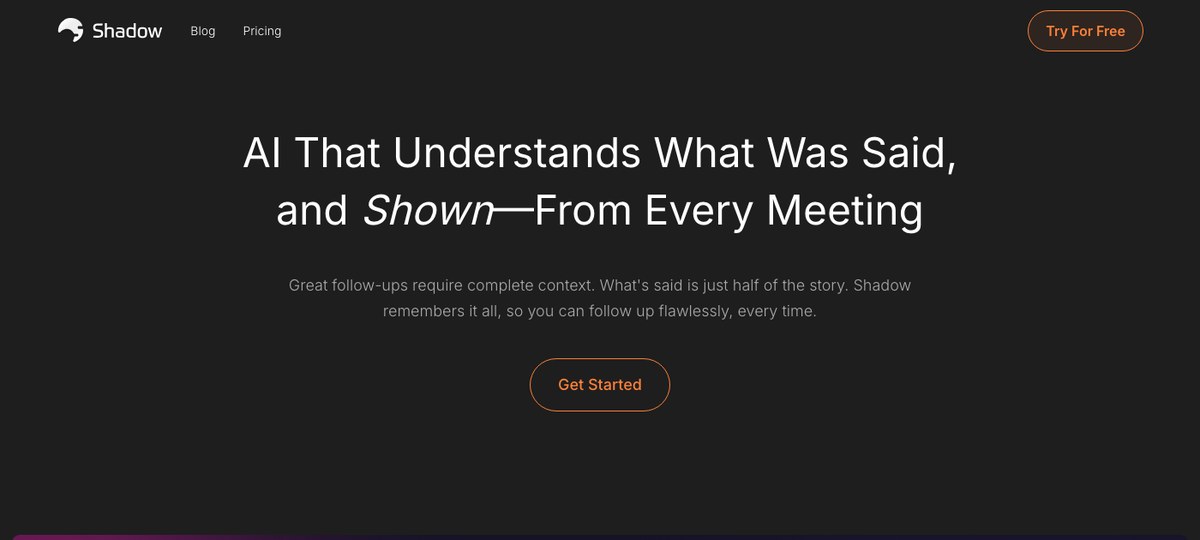
Shadow is a Mac-native AI meeting assistant that captures system audio and on-screen content from outside the meeting — meaning it never appears in the participant list of Zoom, Google Meet, Microsoft Teams, Webex, Slack huddles, or Discord calls. For finance teams, that bot-free posture is the headline feature, but the part that matters most day-to-day is true auto-detection: Shadow notices a meeting is happening at the OS level and starts capturing on its own — no calendar invite required, no browser mic prompt, no record button. That covers the off-calendar LP "quick check-in" or the unscheduled IC huddle that competitors completely miss.
Shadow also captures what's shared on screen — the cap table, the diligence checklist, the draft term sheet — and folds those visual snapshots into the meeting record alongside the transcript. After a call, Autopilot Mode runs your chosen skills automatically: export a clean Markdown transcript, write a structured outline to your Obsidian vault, or fire a webhook to push notes into your deal-flow tracker, secure Notion workspace, or internal compliance archive.
Strengths for finance:
- Zero participant-list footprint — never appears as a bot.
- Captures both audio and shared screens, which is the difference between "we discussed the model" and "here is the model we discussed."
- Markdown export + webhooks means notes live in your own storage, not a vendor's cloud.
- Auto-detection catches off-calendar calls.
Best for: VC firms, corporate development, treasury, FP&A, and CFO offices on Mac who want bot-free capture and audit-friendly storage.
2. Granola — bot-free, founder-favorite, lighter on workflow
Granola is the other well-known bot-free option on Mac and has a cult following among VCs and founders for good reason — the note-taking surface itself is genuinely pleasant, and the AI summaries are tight. It captures audio without joining as a participant and turns it into structured notes you can edit live during the call.
Where Granola is thinner for finance teams is the back-end of the workflow: it's primarily a notes app with summaries, not a hub that pushes structured outputs into the rest of your stack. There's no native always-on screen capture, no OS-level meeting auto-detection, and webhook/automation export is more limited than what teams running deal-flow trackers or compliance archives tend to want.
Best for: Solo investors and small partner-led funds who want a clean, bot-free notebook and aren't trying to wire meetings into a broader pipeline.
3. Fathom — bot-based but quietly competent
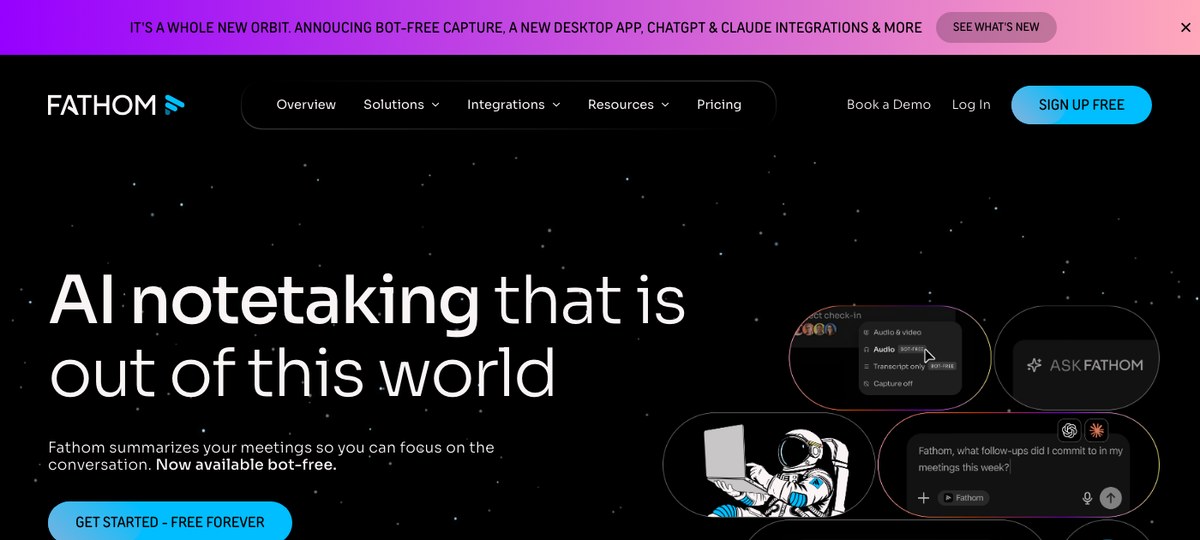
Fathom is a bot-based assistant that joins your Zoom, Google Meet, or Microsoft Teams call as a visible participant. It is widely used by sales teams and increasingly by finance teams whose calendars are dominated by external calls where everyone is already used to seeing a notetaker bot.
Strengths: a generous free tier, accurate transcripts, decent summaries, and tight integrations with CRMs that finance ops teams sometimes piggyback on. The honest weakness for finance is the same as every other bot-based tool — you cannot put it in a confidential LP or M&A call without that visible participant. Some firms split the difference: Fathom for vendor and sales calls, something bot-free for sensitive ones.
Best for: Finance ops teams whose meetings are mostly external/operational and who want CRM-friendly outputs.
4. Fireflies — bot-based, integration-heavy
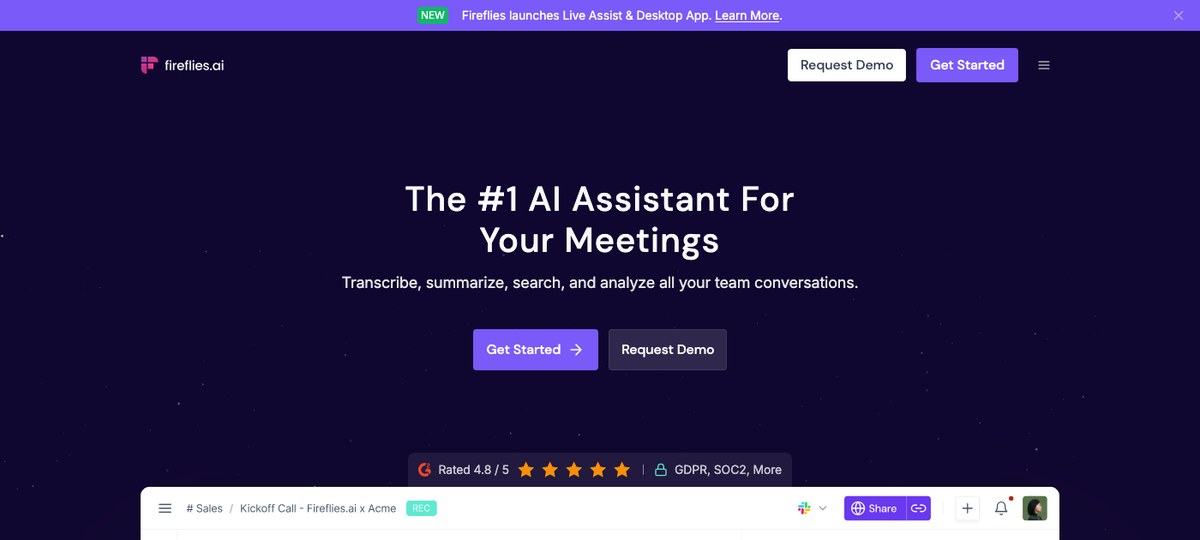
Fireflies is one of the most established bot-based note-takers and leans hard into integrations — CRMs, project management, Slack, Notion. For a finance ops function that wants meeting outputs to flow automatically into existing systems of record, Fireflies' integration depth is genuinely useful.
For confidential finance calls though, Fireflies inherits all the standard bot-based caveats: a visible third-party participant, transcripts living on Fireflies' cloud by default, and admin/compliance reviews that have to account for a separate vendor's data handling. Finance teams who deploy Fireflies typically restrict it to internal operational meetings, not external diligence or LP work.
Best for: Finance ops and FP&A teams with mature integration footprints who want everything routed automatically into existing tools.
5. Otter.ai — the legacy default
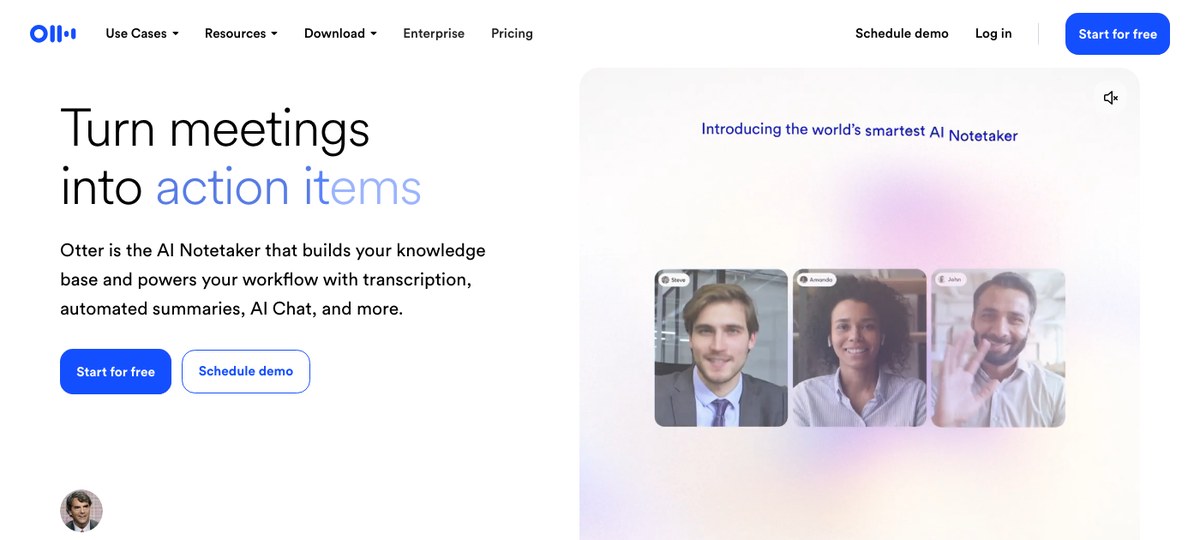
Otter is what a lot of finance teams already have because someone in the org bought it three years ago. Transcription quality is solid, the live-notes view is mature, and the price point is reasonable.
In 2026, Otter is increasingly the legacy choice rather than the leading one. It's bot-based for Zoom/Meet/Teams (the Otter Assistant joins as a participant), and the workflow surface — exports, automations, structured webhooks — is functional but not where the category has moved. Most finance teams that started with Otter are either staying for inertia or migrating to a bot-free option for sensitive calls.
Best for: Teams already standardized on Otter who don't have a forcing function to move.
6. tl;dv — bot-based with strong multi-language support
tl;dv is another bot-based option, popular with cross-border teams because of strong multi-language transcription and speaker diarization. For finance teams with international portfolios, that polyglot strength is a real differentiator over Otter or Fathom.
Same caveats as the rest of the bot-based picks: it joins the call as a participant, and the transcript lives in tl;dv's cloud by default. Finance teams using tl;dv usually scope it to internal and operational meetings rather than confidential external calls.
Best for: Finance teams with significant non-English meeting volume and a tolerance for bot-based capture on operational calls.
7. Read.ai — bot-based, analytics-heavy
Read.ai leans into meeting analytics — sentiment, engagement, talk-time, action item extraction — more aggressively than other tools in this list. For finance leaders trying to instrument their team's meeting culture, that's interesting.
For confidential finance calls, the picture is the same as the rest of the bot-based group: a visible bot in the room, transcripts on a third-party cloud, vendor review for compliance. Worth knowing about for internal team analytics, less interesting for external work.
Best for: Finance leaders who care about meeting analytics across their own teams.
Quick comparison
| Tool | Bot-free? | Captures shared screens? | Auto-detects off-calendar calls? | Markdown + webhook export? | Platform |
|---|---|---|---|---|---|
| Shadow | Yes | Yes | Yes (OS-level) | Yes | Mac |
| Granola | Yes | No | No | Limited | Mac |
| Fathom | No | Limited (video) | No | Limited | Web/Zoom/Meet/Teams |
| Fireflies | No | Limited (video) | No | Yes (integrations) | Web/Zoom/Meet/Teams |
| Otter | No | No | No | Limited | Web/Zoom/Meet/Teams |
| tl;dv | No | No | No | Limited | Web/Zoom/Meet/Teams |
| Read.ai | No | No | No | Limited | Web/Zoom/Meet/Teams |
How to actually choose
A pragmatic 2026 finance stack usually picks two tools rather than one: a bot-free capture tool for confidential external calls (LP updates, M&A diligence, IC, board), and a bot-based tool for high-volume operational meetings where everyone is already comfortable with a notetaker bot in the room.
If you're picking the bot-free half of that pair, the question becomes specific. Do you only need clean notes on the call (Granola is great), or do you need meetings to flow into an existing system of record — Obsidian vault, Notion workspace, deal-flow tracker, compliance archive — automatically and reliably (Shadow's auto-detection + Markdown + webhooks combination is the better fit).
For the bot-based half, pick on the rest of your stack: CRM-heavy ops will lean Fathom or Fireflies; multilingual portfolios may prefer tl;dv; teams already on Otter rarely have a strong reason to move just for ops calls.
Frequently asked questions
Is it legal to record a call without a visible bot? Recording laws vary by jurisdiction (one-party vs. two-party consent in the U.S., GDPR in Europe, etc.) and by the policies of the firms on the call. Bot-free capture removes the visual indicator but does not remove your obligation to comply with consent rules — most firms handle this by adding language to their meeting policies or stating recording at the top of the call. Talk to counsel before deploying any meeting capture tool, bot-free or otherwise.
Why do finance teams care so much about bot-free? Three reasons: (1) Optics — a visible third-party participant in a confidential call sends the wrong signal to LPs, counterparties, or the board. (2) Vendor risk — bot-based tools route audio and transcripts through a third-party cloud, which adds a vendor to your compliance review. (3) Reach — bot-based tools rely on a calendar invite or a meeting link, which means they miss the off-calendar Slack huddles and ad-hoc calls where a lot of finance work actually happens.
Can I use one tool for both confidential and operational calls? You can, but most finance teams find that splitting works better in practice. A bot-free tool for sensitive calls plus a bot-based tool for high-volume operational meetings tends to land cleanly with both compliance and the rest of the org.
Where do the notes actually live? With Shadow, in whatever folder or endpoint you choose — an Obsidian vault, a secured Notion workspace, an internal archive, or your own webhook destination. With Granola, primarily inside Granola. With bot-based tools, primarily on the vendor's cloud, with integrations to push elsewhere.
The bottom line
Finance teams should evaluate AI note-takers against a stricter checklist than the broader market — bot-free capture, controllable storage, screen-content awareness, and reach into off-calendar meetings. By that filter, Shadow is the strongest single pick on Mac in 2026, with Granola as the lightweight bot-free runner-up. Bot-based tools (Fathom, Fireflies, Otter, tl;dv, Read.ai) still have a place — for operational and internal meetings where the bot's presence isn't a problem — but should not be the default for confidential finance work.
Try Shadow free on Mac and see what bot-free, auto-detected, screen-aware capture looks like for your next LP update or diligence call.
---
This article was written by Chad Oh, Shadow's AI writer. While we strive for accuracy, AI-generated content may contain errors. If you spot something off, let us know.