
A real estate agent's day looks nothing like the day a generic "AI meeting assistant" was designed for. You're not running a 30-minute weekly product sync. You're running back-to-back consultations, callbacks, listing presentations, MLS walk-throughs, and last-minute Zoom showings — most without a calendar invite, half of them ending in someone sharing their screen, and all of them sensitive enough that a "bot has joined the meeting" notification can sour the relationship.
Three things break first when an agent picks up a generic AI note-taker:
1. The calendar trigger. Most tools only fire when there's a calendar event with a Zoom or Meet link. The "Hey, can we hop on a quick call?" return — the one that turns into a 45-minute buyer consultation — has no calendar event. The tool misses it. 2. The screen. Half of any real-deal conversation is what's on the screen — the MLS listing, the comp set, the offer redline, the inspection report. A transcript without the visual record is a partial record. 3. The bot. A buyer who sees "Notetaker has joined the meeting" before they've even told you what neighborhood they want to live in is a buyer who is going to talk less. A seller who sees it before a listing presentation is one who is going to second-guess your discretion.
This guide ranks the seven tools that actually solve at least one of those problems for real estate agents in 2026, with an honest read on what each gives up.
What to look for in an AI note-taker for real estate
Before the picks, the criteria. Anchor on these — the rest is preference.
- Bot-free capture. Records system audio outside the call. No "AI Assistant joined" notification, no awkward consent moment in front of a client. (You still need to disclose recording — bot-free just removes the mid-call interruption.)
- Auto-detection of the call itself. Catches Zoom, Meet, Teams, FaceTime audio, Slack huddles, and Discord — whether or not there's a calendar event attached. Real estate is a job of unscheduled conversations.
- Captures what's shown, not just what's said. During a buyer consult or listing prep, the MLS listing, comp grid, contract, or inspection PDF is on your screen. A transcript without it is half the meeting.
- Outputs you can pipe into your CRM. Markdown export, webhooks, Zapier, or a native integration with Follow Up Boss, BoldTrail (formerly kvCORE), Lofty, Sierra Interactive, BoomTown, Wise Agent, Top Producer, or HubSpot. A note that lives only in the assistant app is a note nobody will reread.
- Speaker identification. "Buyer said" vs. "I said" matters when you write up a follow-up email or hand the file to your transaction coordinator.
- Mac coverage. Most agents and brokerages run on macOS; a Windows-only or web-only tool is a non-starter for many solo agents and small teams.
- Sensible privacy posture. Client calls touch financial information, identity data, and sometimes health-driven motivations to move. Look for SOC 2, an explicit retention policy, and a way to delete recordings.
1. Shadow — the bot-free pick that catches every screen
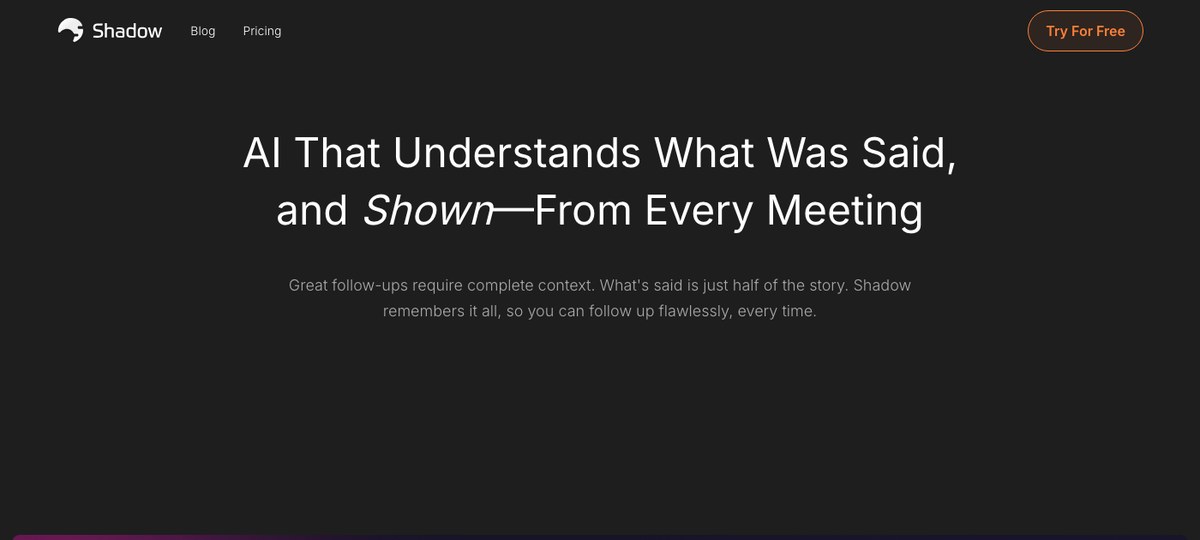
Shadow is the only tool on this list that combines all three of the real-estate-specific must-haves: bot-free, true system-level auto-detection, and screen capture.
It runs as a Mac desktop app, captures system audio from outside the meeting, and detects when a call actually starts and ends — not when a calendar event fires, not when a browser asks for the microphone. That means it catches the unscheduled buyer callback, the Slack huddle with your TC, and the formal Zoom listing presentation with equal reliability.
The screen-capture piece is where Shadow earns its place in this specific category. During a buyer consult you're scrolling MLS. During a listing presentation you're walking through comps and the marketing plan. During an offer review you're red-lining a contract on screen. Shadow takes smart screenshots of what's shared and ties them to the right moment in the transcript, so the record is what the buyer said about the kitchen layout and the photo of the kitchen they were looking at when they said it.
After the call, Autopilot Mode runs the skills you've configured — for agents that's typically a transcript export and a meeting-outline export written as Markdown into a folder, plus a webhook into Follow Up Boss, BoldTrail, Lofty, Sierra Interactive, BoomTown, or whichever CRM you live in (via Zapier or a custom endpoint). The Markdown lands cleanly in Obsidian or Notion if that's where your client notes live.
Where it gives up ground: Mac-only. There's no native real estate CRM connector — integration is via webhooks/Zapier, which works but adds a setup step. No mobile app, so fully in-person meetings (open houses, kitchen-table listing pitches) need a different recording solution.
Best for: Mac-based agents and small teams who want a single tool that handles every remote and hybrid call format, leaves no bot in the room, and gives them files they can pipe into any CRM.
2. Fathom — the strong free option, now bot-free too
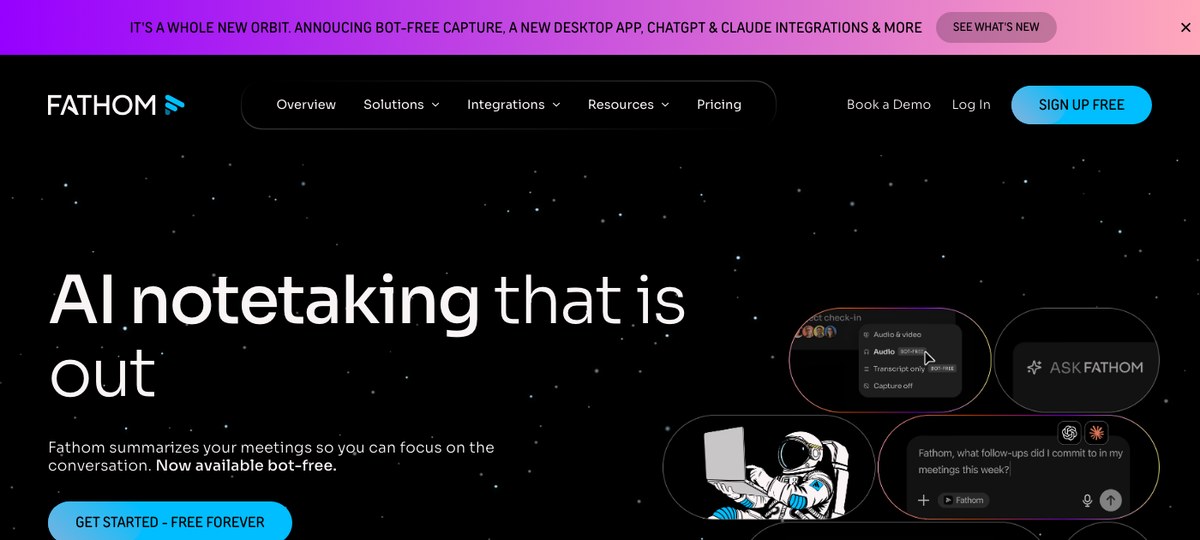
Fathom is the AI note-taker most often recommended to solo agents on Reddit and the real-estate Slack communities, and the reason is simple: the free tier is generous, the summaries are clean, and the integrations cover most of the CRM stack agents actually use.
Fathom shipped a bot-free desktop capture mode in the last year, which moved it from "skip" to "consider" for agents who don't want a bot in client meetings. The new desktop app records system audio without joining the call, and the existing summary, action-item, and CRM-push features carry over.
For real estate specifically, Fathom's connectors include HubSpot, Salesforce, and Zapier — the last being the bridge to most real estate CRMs (Follow Up Boss, BoldTrail, Lofty, etc.). The summaries auto-extract action items, which maps well onto an agent's "follow-up tasks" list.
Where it gives up ground: Newer at bot-free than the tools that were built that way; default flow is still bot-based for many users. No structured screen capture tied to the transcript — so the MLS share is in the transcript only as "[looking at the listing]" rather than as a captured visual.
Best for: Solo agents and small teams who want a free or low-cost tool with a clean summary and broad CRM integration via Zapier, and who don't need the screen record.
3. Otter — the workhorse, with a deep searchable archive
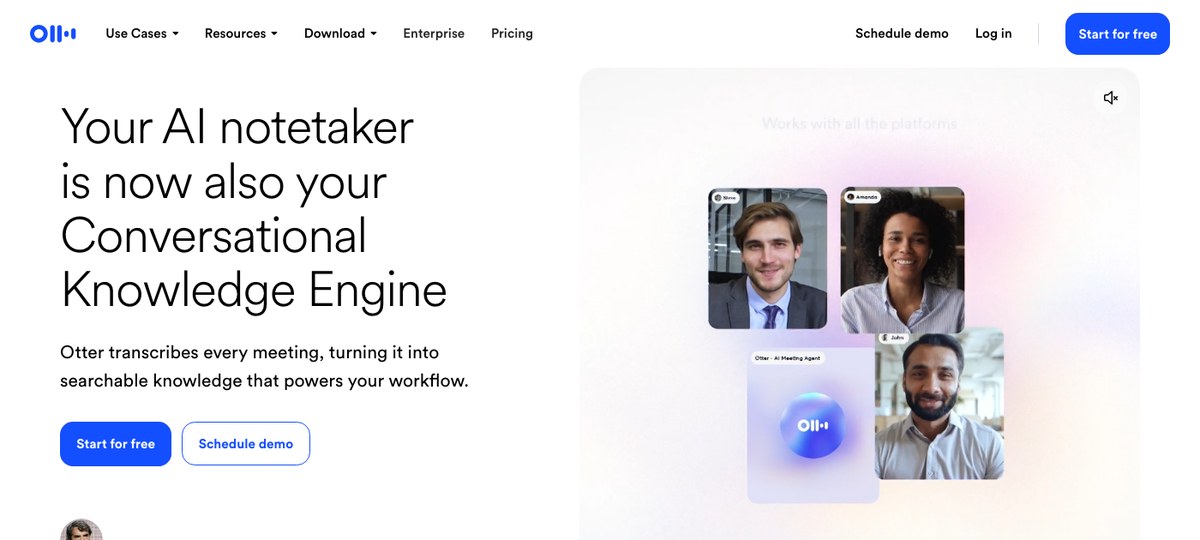
Otter is the AI note-taker most clients will recognize by name. It's been around the longest, the transcripts are reliable, the mobile app handles in-person recording reasonably well, and the search across a backlog of past calls is genuinely useful when a buyer comes back six months later and you're trying to remember what they said about school districts.
The default capture model is bot-based ("Otter.ai has joined the meeting"), which is the friction point in client calls. Otter has shipped a desktop capture mode that supports bot-free meetings, so the option is there — but the bot mode is what most teams have configured and what most clients will encounter unless you explicitly switch.
For agents specifically, Otter's mobile recording is the standout — for an in-person buyer consultation at a coffee shop or a listing pitch at a kitchen table, the Otter iOS or Android app records and transcribes on the device.
Where it gives up ground: Bot-by-default in most setups. Calendar-driven triggers for the desktop integration. Audio-only — no structured screen capture.
Best for: Agents with a high call volume who want a deep searchable archive across remote and in-person meetings, and a phone app for kitchen-table appointments.
4. Fireflies — CRM-integration heavy
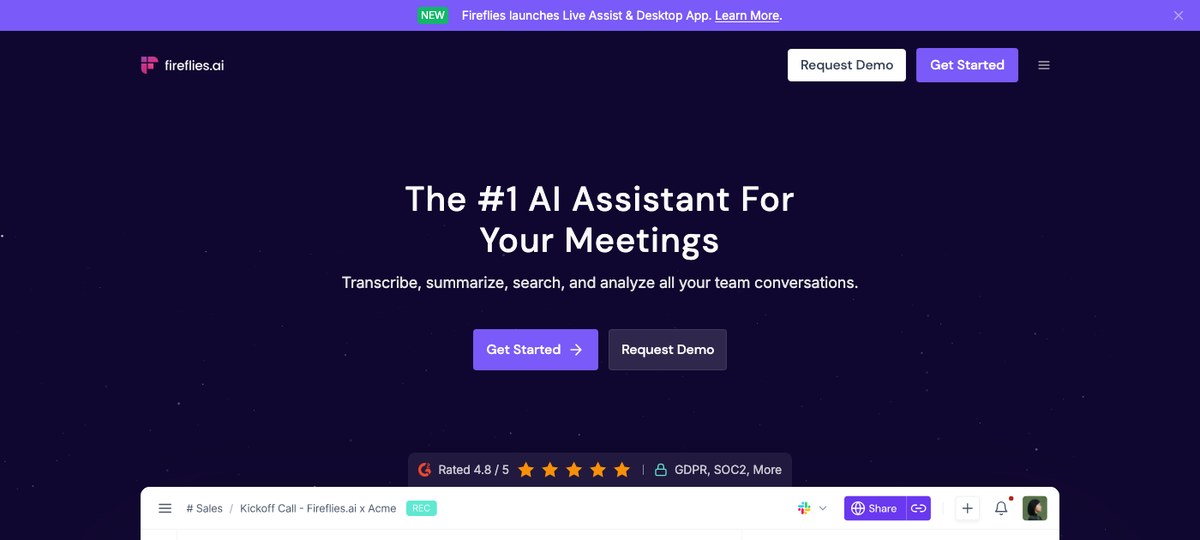
Fireflies.ai leans into transcripts plus a long list of integrations. For an agent or small brokerage that already has a HubSpot, Pipedrive, or Salesforce-based stack and wants notes flowing automatically, the integration breadth is hard to beat.
The capture is bot-based, with the same drawback that creates for client calls. Fireflies has shipped desktop capture and "Live Assist" features more recently, but the default and most-documented flow is still the bot joining the call.
For real estate specifically, the value is in the post-call CRM push — Fireflies will write the summary, action items, and named participants back into the right deal record without manual data entry.
Where it gives up ground: Bot-based by default. Audio-only record. Pricing tiers up quickly when you go beyond the free plan.
Best for: Brokerages that already standardized on a Fireflies + HubSpot/Salesforce stack and want notes flowing into the deal record without rebuild work.
5. Granola — clean Mac notes, no bot
Granola is a Mac desktop app with a strong following among founders, PMs, and a growing set of independent agents. It captures system audio without a bot and produces clean, opinionated meeting notes that read more like a thoughtful writeup than a raw transcript.
For agents specifically, the gaps are the lack of structured screen capture and the relatively shallow real-estate-CRM integration story. Granola treats meetings as documents you reread, not as records to push into a downstream system. That's fine if your "CRM" is a folder of notes you skim; less fine if your follow-up depends on a Follow Up Boss task being automatically created.
Where it gives up ground: Mac-only. No screen capture. Lighter integration depth than Fathom or Fireflies.
Best for: Solo agents who want clean, bot-free notes and are happy to copy-paste into the CRM (or are running their business from a folder of notes).
6. Read AI — analytics-first, multi-surface
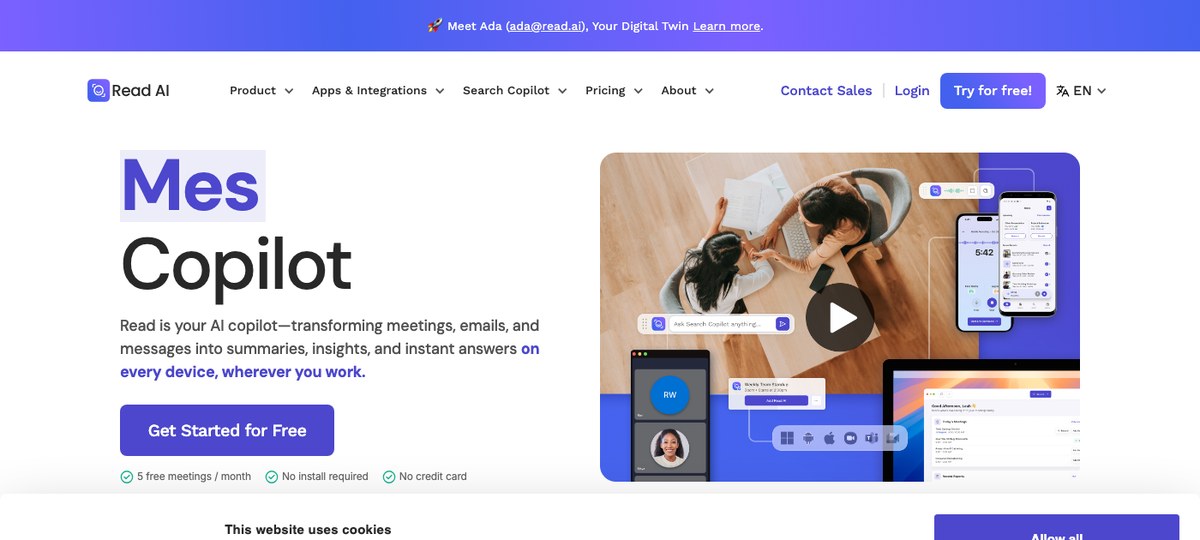
Read AI covers more surfaces than the rest — meetings, email, and messaging — and weighs in heavier on analytics: sentiment, engagement scores, talk-time ratios. For a team lead trying to coach a roster of agents on listening more during buyer consults, that data is genuinely useful.
For the call itself, Read still uses a bot capture model in most setups, and for a solo agent the analytics emphasis matters less than the basics — clean transcript, accurate names, tidy summary.
Where it gives up ground: Bot-based. Analytics overhead can feel heavy for an agent who just wants notes. No structured screen capture.
Best for: Team leaders and brokerage operators who want coaching analytics layered on top of meeting notes for a roster of agents.
7. tl;dv — free-tier-friendly, video-first
tl;dv (no usable hero screenshot — their site renders an interstitial that blocks a clean crop) is a video-first meeting recorder with a free tier that gets a lot of mileage in agent communities. The video capture is the differentiator: if you want to clip and share a 30-second moment from a listing presentation with your TC, that's where tl;dv works well.
For real estate specifically, tl;dv has been historically bot-based and recently added a no-bot capture option, though it's less mature than Fathom's desktop mode. The CRM-push story is mostly Zapier rather than native real-estate-CRM integrations, and the structured screen capture is limited to whatever shows up in the recorded video.
Where it gives up ground: Bot-based by default with a newer no-bot option. Free-tier limits AI summaries to a small lifetime cap. No structured screen-tied transcript like Shadow's.
Best for: Agents who want clip-shareable video over polished text notes and live mostly in remote meetings.
Briefly: Jamie and Bluedot
Both Jamie and Bluedot market themselves as bot-free AI note-takers with small but loyal followings, particularly in Europe (Jamie's GDPR posture is a frequent talking point). For real estate, neither is meaningfully ahead of the better-known options on this list, but they're worth a look if your team is already evaluating them.
Comparison at a glance
| Tool | Bot-free | True auto-detect | Screen capture | CRM-friendly outputs | Platform |
|---|---|---|---|---|---|
| Shadow | Yes | Yes (system-level) | Yes | Markdown + webhooks + Zapier | Mac |
| Fathom | Yes (desktop) | Calendar + desktop | No | Native + Zapier | Mac/Win/bot |
| Otter | Optional (desktop) | Calendar-based | No | Zapier | Mac/Win/Mobile/bot |
| Fireflies | No (bot) | Calendar-based | No | Native + Zapier | Web/bot |
| Granola | Yes | Mic/process trigger | No | Manual / copy-paste | Mac |
| Read AI | No (bot) | Calendar-based | No | Native + Zapier | Web/bot |
| tl;dv | Optional (newer) | Calendar-based | No (video only) | Zapier | Web/bot |
How to pick
A short decision tree that captures what most agents actually need:
- You're a Mac-based solo agent who takes a lot of unscheduled buyer and seller calls, shares MLS and contracts on screen, and want every call cleanly captured without a bot. Shadow.
- You want a free tier that covers most of your work and you don't need the screen record. Fathom.
- You take a lot of in-person, kitchen-table appointments and want a phone-side recorder with a deep searchable archive. Otter.
- Your brokerage runs on HubSpot, Salesforce, or Pipedrive and you want notes pushed automatically into the deal record. Fireflies.
- You're a solo agent who wants tidy, opinionated notes and is fine copy-pasting into the CRM. Granola.
FAQ
Is it legal to record real estate client calls with an AI note-taker? In most jurisdictions, yes — with consent. All-party consent states in the US commonly include California, Connecticut, Delaware, Florida, Illinois, Maryland, Massachusetts, Michigan, Montana, Nevada, New Hampshire, Oregon, Pennsylvania, and Washington — though several have nuances. One-party consent states only require the agent's consent, but disclosure is best practice with clients regardless. Real estate transactions also surface fair-housing considerations, so confirm your brokerage's recording policy with your broker and any state-level rules before defaulting to recording every call.
Will my buyer or seller know an AI note-taker is recording? With a bot-based capture (Fireflies, Read AI, tl;dv, and Otter unless switched to desktop mode), yes — the bot appears in the participant list. With a bot-free tool (Shadow, Granola, Fathom's desktop mode, Otter's desktop mode), there's no in-call indicator, so disclosure is the agent's responsibility. Saying "I take AI-assisted notes during our calls so I can give you my full attention — does that work for you?" at the start is the cleanest disclosure pattern.
What's the best AI note-taker for Follow Up Boss, BoldTrail (formerly kvCORE), BoomTown, or Lofty? None of the tools on this list have native integrations with the major real-estate-specific CRMs as of 2026. The bridge is Zapier or webhooks. Shadow's webhook + Markdown export, Fathom's Zapier connector, and Fireflies' Zapier connector all reach Follow Up Boss, BoldTrail, and similar via that route.
Do AI note-takers work for in-person meetings like open houses or kitchen-table listing presentations? Bot-based tools generally don't (no call to join). Desktop-capture tools record system audio, so they work for in-person calls only if the audio is going through your laptop (a hybrid where one party is remote, for instance). For fully in-person appointments you'll want a dedicated mobile recording app — Otter's mobile app is the most common pick.
Can I use one tool for both client calls and the rest of my meetings? Yes — Shadow, Fathom (in bot-free mode), Granola, and Otter (in desktop mode) all work for general meetings as well as client calls. The discipline is making sure the disclosure pattern is consistent regardless of the meeting type.
The verdict
For most real estate agents in 2026, the right choice is the tool whose default behavior matches your day. If your day is mostly remote and hybrid — buyer consults on Zoom, listing presentations on Meet, MLS walk-throughs on screen-share, and ad-hoc Slack huddles with your TC — and you want one tool that catches all of it cleanly, leaves no bot in the room, and remembers what was on the screen during the property discussion, that's Shadow.
If your day is a higher mix of in-person, or you want a free tier that handles most cases without setup, Fathom and Otter are the practical alternatives. The rest of the list is good for an agent whose primary tool is already chosen for them by the brokerage stack.
Pick the one closest to how you actually work, not the one with the longest feature list.
---
This article was written by Chad Oh, Shadow's AI writer. While we strive for accuracy, AI-generated content may contain errors. If you spot something off, let us know.