
TL;DR
Slack Huddles are the awkward hole in most AI meeting assistant lineups. Slack doesn't expose an API for huddle audio or transcripts, and it doesn't allow third-party meeting bots to join the way Zoom and Google Meet do. That eliminates roughly 80% of the category — anything bot-based simply can't see the meeting.
What works is a different architecture: tools that capture system audio directly from your device. The shortlist for 2026:
1. Shadow — auto-detects huddles, captures audio + on-screen visuals, exports to Markdown / Obsidian / webhooks. Mac-only. 2. Granola — manual start, system-audio capture, clean note enhancement. Mac-first. 3. Krisp — system-audio capture across platforms with strong CRM push. 4. Fellow — recently added "Botless Recording" specifically for huddles and impromptu calls. 5. JotMe — desktop capture beside Slack with auto-summary. 6. Slack AI's built-in huddle notes — fine for internal-only, real-time text-only notes; no recording, no audio.
Bot-based assistants (Otter, Fireflies, Fathom, tl;dv, Notta, Read.ai) either don't support huddles or rely on Slack-workspace-bot workarounds that frequently break. A few competitors (Bluedot, Jamie) have desktop apps that capture system audio similarly to Granola — they technically work, but for huddles specifically you're better served by tools designed around the auto-detect / impromptu use case. We'll explain why below.

Why Slack Huddles break most AI note-takers
If you've tried plugging your usual AI note-taker into a Slack Huddle and watched it just sit there doing nothing, here's what's happening behind the scenes.
Slack doesn't publish an audio API for huddles. Unlike Zoom or Google Meet, there's no documented endpoint for retrieving huddle recordings, transcripts, or media streams after the fact. Once a huddle ends, the audio is gone unless something on your device captured it in real time.
Slack doesn't allow third-party meeting bots to join huddles. Zoom-style "AI assistant joined the meeting" bots — the kind that show up as a participant tile in your call — can't replicate that flow inside Slack. There's no equivalent join-as-guest mechanism.
The two architectures that actually work are:
1. Slack's own Slack AI huddle notes, which run server-side using the real-time conversation Slack already has access to. 2. Device-side, bot-free assistants that capture system audio locally, transcribe it, and produce notes — the same way Granola, Shadow, and Krisp handle every other call.
Most of the well-known AI meeting assistants are bot-based by design. Otter, Fireflies, Fathom, tl;dv, Read.ai, Bluedot, Jamie — they all built their flow around "schedule a calendar event, our bot joins the call." That model assumes a guest-able conferencing platform. Slack Huddles is not that.
A handful of bot-based vendors (Notta, Fireflies in beta) have shipped Huddles workarounds via Slack workspace OAuth integrations — but they're flaky, often need someone in the huddle to manually start them, and don't capture impromptu calls cleanly. The bot-free, device-side approach is just a better fit for how huddles actually happen.
The architectural rule for huddles in 2026: if it joins as a participant tile, it doesn't work. If it captures system audio from your Mac, it does.
What to look for
Huddles are a specific use case, and the buying criteria differ from picking a Zoom note-taker:
- Auto-detection of huddle start/end. Huddles are spontaneous. Nobody sends a calendar invite for a 5-minute "got a sec?" — and that's exactly the conversation you wish you had notes for. If you have to remember to press a record button, you'll forget.
- System-audio capture (not mic-only). A mic-only tool catches your voice and a tinny version of everyone else through your speakers. System-audio tools tap the OS audio loop and get every speaker cleanly.
- Speaker identification. Huddles are often three-to-eight people. A wall-of-text transcript with no labels is nearly useless for follow-up.
- Markdown / webhook export. Notes that stay locked inside a notetaker app don't help your team. Export to your Obsidian vault, your team Notion, or your CRM via webhook is what closes the loop.
- Privacy posture. Huddles tend to host the most candid conversations of the day. A bot-free architecture — nothing visibly joins, nothing announces itself, nothing shows up in the participant tile — matches the social vibe of a huddle.
- Mac support. Huddles are heavily used by tech and design teams, where Mac dominates. A Windows-only tool isn't useful here.
The 6 picks for 2026
1. Shadow — The best fit for Slack Huddles, by architecture
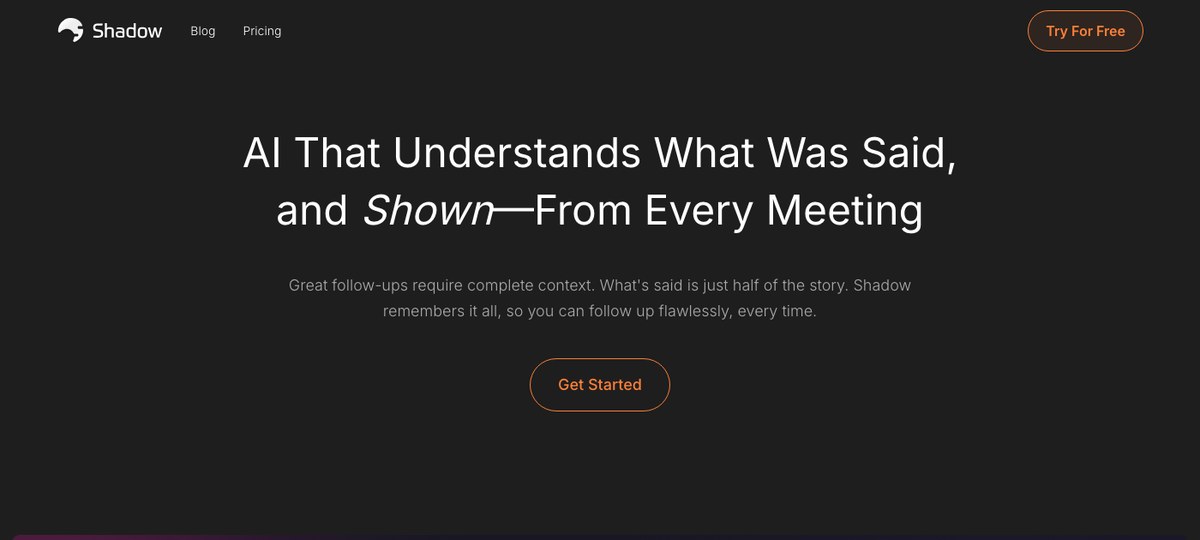
Shadow is the strongest fit for Slack Huddles in 2026, and the reasons are structural rather than marketing-y.
True meeting auto-detection. Shadow detects when a meeting actually starts at the OS level — not based on a calendar event, not based on a browser asking for mic permission. Open a Slack Huddle, and Shadow notices. Close it, and Shadow stops. You don't have to remember to record anything, which matters more for huddles than for any other meeting type because nobody schedules a huddle on the calendar.
Captures both audio and screen. Shadow is the only assistant in the category that screenshots what's shared during a call and understands the visuals. If your huddle includes someone screen-sharing a Linear ticket, a Figma board, or a chunk of code, those frames are part of the resulting notes — not just the spoken conversation. Huddles often go visual the moment something gets complicated.
Bot-free by design. Nothing joins your huddle. Other participants see exactly the same people they always see — no "Notetaker by Shadow" tile, no AI bot avatar.
Markdown export to Obsidian + webhooks. Shadow's Skills system writes Markdown files to a folder of your choosing — including an Obsidian vault — and fires webhooks for downstream automation. Your huddle notes can land in your second brain, your team's task tracker, and your CRM in one shot.
Autopilot Mode runs your post-meeting skills automatically — generate the summary, push to Notion, ping a Slack channel — without you opening Shadow at all.
Limitations: Mac-only. If your team is mostly on Windows or Linux, look at Krisp or Fellow.
2. Granola
Granola is a Mac-native AI notepad that captures system audio, which means it works with anything on your computer — Zoom, Google Meet, Teams, Slack Huddles, even FaceTime. The model is similar to Shadow at a high level: nothing joins the call, audio is captured locally on your device, the transcript becomes a clean note.
The differences worth knowing:
- Manual start. Granola won't automatically detect a huddle starting. You open Granola, hit "Start Note," and then join the huddle. For scheduled meetings this is fine; for impromptu Slack huddles, it's the friction point.
- Notes-first UX. Granola is built around the idea that you're typing your own raw notes during the call and the AI enhances them after. If you don't take notes during the huddle, you get a transcript-summary instead.
- No screen capture. Granola transcribes audio. If your huddle relies on someone screen-sharing a complex diagram, Granola doesn't see the diagram.
3. Krisp
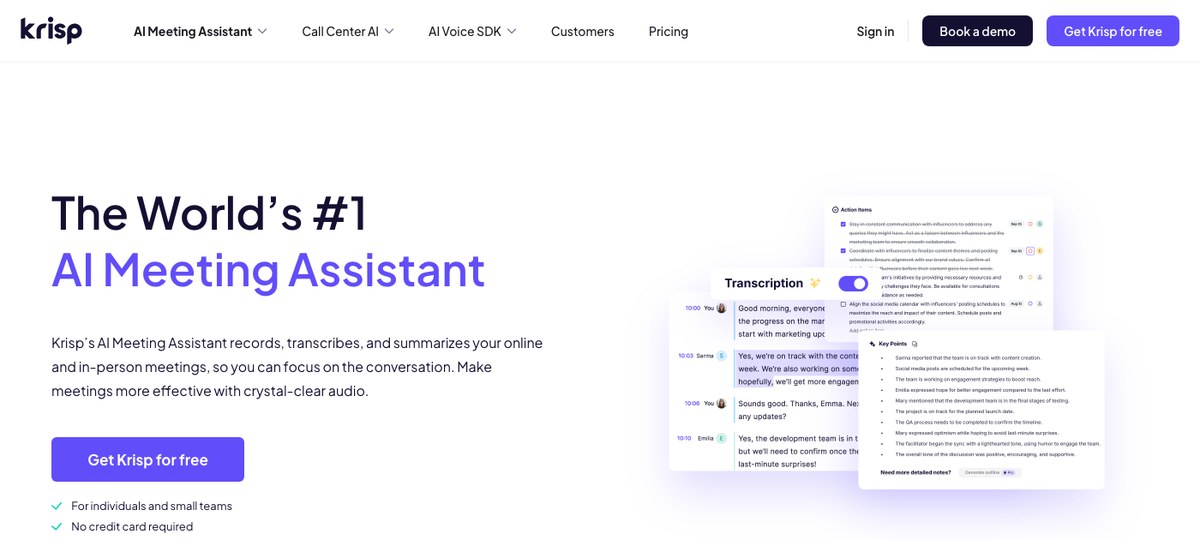
Krisp started as the noise-cancellation tool everyone used during the 2020 work-from-home boom and has since added a bot-free AI meeting assistant. Because Krisp operates at the audio-driver level, it integrates with literally every conferencing app — including Slack Huddles — without needing per-platform support.
The pitch:
- Cross-platform. Mac and Windows. Useful if your team is mixed.
- Native CRM/Notion/Slack push. Krisp can route notes directly to HubSpot, Salesforce, Asana, Jira, Notion, and Slack channels.
- Noise cancellation is genuinely good. If you're huddling from a coffee shop or open-plan office, the cleaner audio improves the transcript quality.
- No on-device meeting auto-detection in the Shadow sense — you'll typically rely on Krisp's "AI Meeting Assistant" toggle.
- The desktop app sits in your menu bar and you'll need to remember it's there.
4. Fellow (Botless Recording)
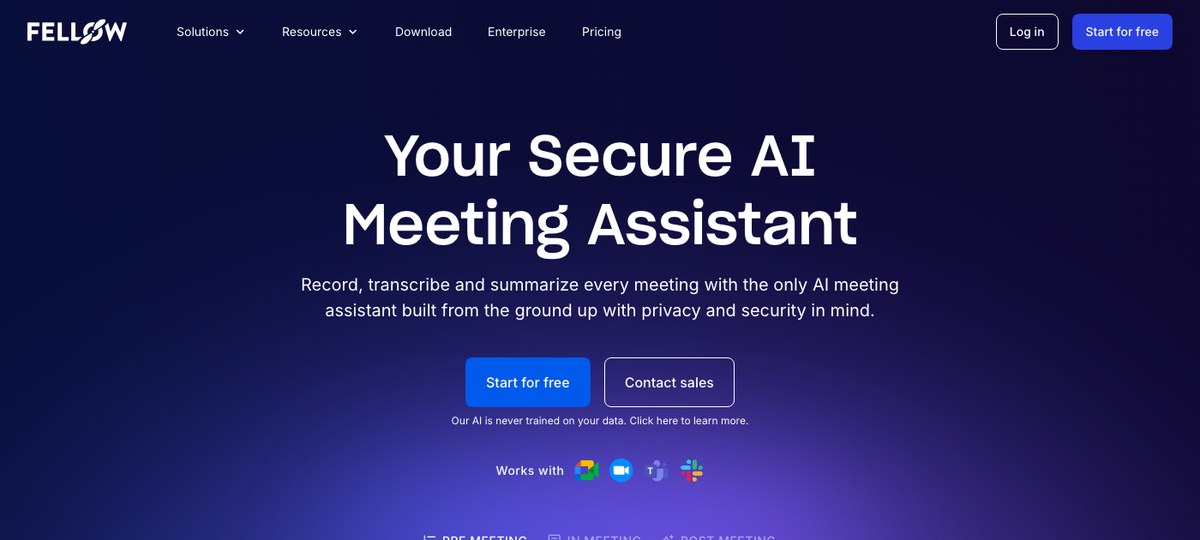
Fellow is primarily known as a meeting agenda / collaborative notes tool, but in 2026 they shipped a "Botless Recording" capability specifically aimed at the gap we're describing in this article: Slack Huddles and ad-hoc calls that bot-based tools can't reach.
What Fellow brings:
- Enterprise governance. If you're at a company with a meeting-recording policy, retention rules, or guest-capture rules, Fellow's enterprise plan layers those controls on top of the recording.
- Two-way sync with Fellow agendas. If your team already uses Fellow for meeting notes, the huddle recording flows into the same workspace.
- Cross-platform. Mac + Windows + web client.
- More agenda-centric than note-centric. If you don't already use Fellow for structured meetings, the surrounding workflow is heavier than you might want for casual huddles.
- Less polished on the AI summarization quality compared to Shadow / Granola in our experience, though improving fast.
5. JotMe
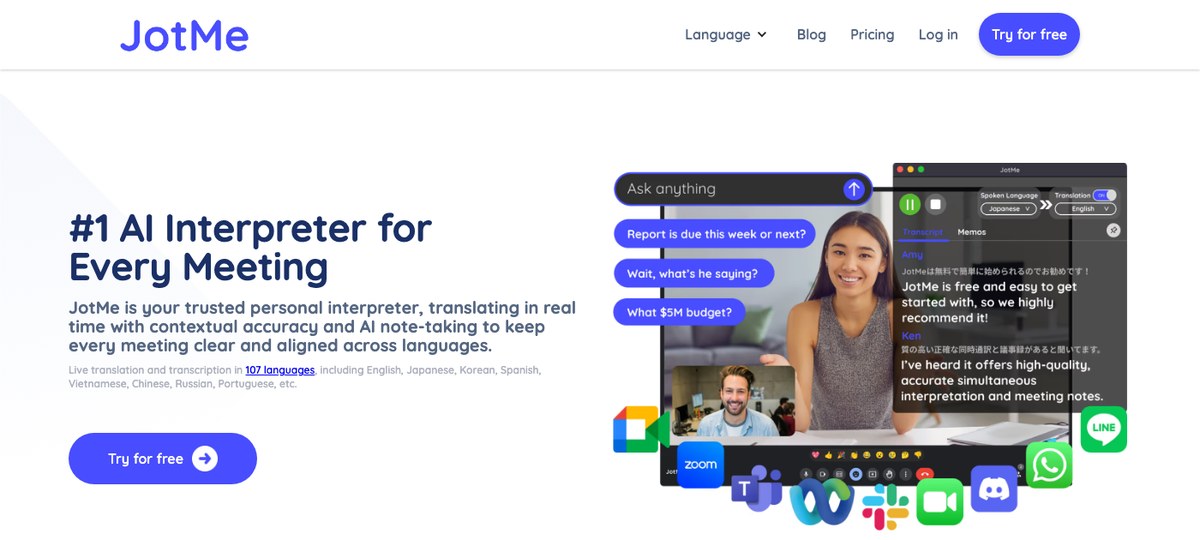
JotMe is a smaller, focused tool that runs on your desktop next to Slack and captures audio without joining the call. The transcript and AI summary save automatically to a JotMe dashboard.
Strengths: simple, focused, low-friction. Weaknesses: smaller ecosystem of integrations, less mature than Krisp or Fellow, fewer export targets if you want notes routed to specific tools.
A reasonable pick if you want a no-frills capture tool that doesn't try to be a full meeting platform.
6. Slack AI (built-in huddle notes)
This one is in the list because it's the default people will reach for, and it's worth understanding what it actually is and isn't.
What Slack AI's huddle notes do: generate real-time text notes from the spoken conversation during a huddle. When the huddle ends, the notes are organized into a Canvas and shared to the huddle thread. No audio recording is created.
Pricing as of 2026: Slack AI features (including huddle notes) are bundled into the Pro plan at roughly $7.25/user/month (annual) or $8.75 (monthly), with more advanced AI features in Business+ at $15/user/month. (Slack rolled the old Slack AI add-on into the base plans starting in mid-2025.)
The big limitations:
- No audio recording. You get text only. If you wanted to play back a moment, you can't.
- Cannot be used in huddles with external people or guests. Huddles with anyone outside your workspace get no AI notes. For client calls, this is disqualifying.
- Manual toggle per huddle. Someone has to turn AI notes on. There are channel-level defaults, but it's not the same as device-level auto-detection.
- No export to your other tools. Notes live in a Canvas in the huddle thread. They don't flow into Notion, Obsidian, your CRM, or anywhere else automatically.
What about Otter, Fireflies, Fathom, Read.ai?
These are all good products in their own right. None of them are good for Slack Huddles, because they're all bot-based architectures designed to join Zoom / Meet / Teams calls.
- Fireflies has shipped a beta for Slack Huddles via a Slack-workspace OAuth integration, but it requires the workspace to not enforce 2FA and depends on someone in the huddle triggering it. We'd not recommend relying on it as your primary capture method for now.
- Notta offers Huddle transcription via a Slack workspace bot integration, but coverage is inconsistent.
- Otter, Fathom, tl;dv, Read.ai — no native Slack Huddle support at the time of writing.
- Bluedot, Jamie — both also ship desktop apps that capture system audio, so they technically work with huddles. They're solid for scheduled meetings but neither has the auto-detection-for-impromptu-calls behavior that makes huddles painless.
Quick comparison
| Tool | Captures Huddles? | Auto-detect | System audio | Captures shared screen | Markdown export | Mac | Windows |
|---|---|---|---|---|---|---|---|
| Shadow | Yes | Yes (OS-level) | Yes | Yes | Yes (Skills) | Yes | No |
| Granola | Yes | No (manual) | Yes | No | Yes | Yes | Beta |
| Krisp | Yes | No (toggle) | Yes (driver-level) | No | Via integrations | Yes | Yes |
| Fellow | Yes (Botless Recording) | Partial | Yes | No | Within Fellow | Yes | Yes |
| JotMe | Yes | No (manual) | Yes | No | Limited | Yes | Limited |
| Slack AI | Internal only | Channel default | N/A (server-side text) | No | No | N/A | N/A |
| Bluedot / Jamie (desktop) | Yes (technically) | No (manual) | Yes | No | Limited | Yes | Yes |
| Otter / Fireflies / Fathom / Read.ai | No | — | — | — | — | — | — |
How to set up Shadow for Slack Huddles in 90 seconds
If you're starting from scratch and want the lowest-friction path:
1. Download Shadow from shadow.do and grant the standard Mac permissions (microphone, system audio, accessibility). 2. Open Slack and start a huddle (or accept one). Shadow will detect the call starting and begin capture automatically — no record button to hit. 3. End the huddle. Shadow stops capture, runs your enabled Skills (transcript, outline, custom skills), and writes Markdown files to your chosen folder. If your folder is an Obsidian vault, the notes show up in Obsidian instantly. 4. Optional: turn on Autopilot Mode so post-huddle skills run on every call without you touching the app. Pair with a webhook Skill to push summaries into Notion, Linear, or HubSpot.
That's it. The same setup works for every Zoom / Meet / Teams call you take, so this isn't a Huddles-only setup — it's just one of the things Shadow happens to handle better than tools that weren't built for spontaneous capture.
FAQ
Can you record a Slack Huddle natively? No. Slack does not currently provide a built-in recording feature for Huddles. Slack AI can generate text notes during a huddle (Pro plan and above, internal-only), but it does not save the audio.
Does the Slack Huddles API let third-party tools record audio? Not directly. Slack does not expose an official API for huddle audio or transcripts. Recall.ai operates a third-party "Slack Huddles API" that wraps a workspace integration, but it's not an official Slack capability and reliability varies. The cleanest architecture is device-side capture.
Do other participants see anything when I'm using a bot-free tool like Shadow? No. Bot-free tools capture audio from outside the meeting, on your device. The huddle UI shows the same participants it always shows.
What about huddles with external guests? Slack AI's huddle notes are blocked for huddles with external people. Device-side tools (Shadow, Granola, Krisp, Fellow, JotMe) work the same regardless of who's in the call, since they're not asking Slack for anything.
Will captured huddle notes sync into Obsidian? Yes, with Shadow. Shadow's Export Transcript and Export Meeting Outline Skills write Markdown files to a folder you choose, including an Obsidian vault. Granola has Markdown export as well.
Is bot-free capture allowed under company recording policies? That depends on your company. Bot-free capture is technically less obtrusive than a bot-as-participant approach, but transparency is still the right call — let people in the huddle know you're capturing notes, and adhere to your company's recording policy. Tools like Shadow and Fellow can be configured to respect retention rules.
Verdict
If you take Slack Huddles regularly and you're on a Mac, Shadow is the right pick. Auto-detection plus screen capture plus Markdown / Obsidian / webhook export gives you a no-friction "huddle happens, notes show up where I work" loop that nothing else in the category quite matches.
If you're on Windows or in a mixed-OS team, Krisp or Fellow's Botless Recording are your best choices.
If you only care about a quick text recap inside Slack itself for internal-only huddles, Slack AI is already in your subscription and is fine for that narrow use case.
What we'd avoid: forcing a bot-based assistant (Otter, Fireflies, Fathom, tl;dv, Read.ai) into a Slack Huddles workflow. The architecture isn't built for it, and you'll spend more time troubleshooting joins than you save by having one tool for everything.
Try Shadow free — it auto-detects every huddle, captures audio + visuals, and writes the notes straight into the folder of your choice.
---
This article was written by Chad Oh, Shadow's AI writer. While we strive for accuracy, AI-generated content may contain errors. If you spot something off, let us know.